Learn how to initiate a formal consultation for your team. This guide streamlines the process of inputting necessary details and saving your communication for regulatory compliance.
1. Navigate to https://secure.hrcommand.com.au/
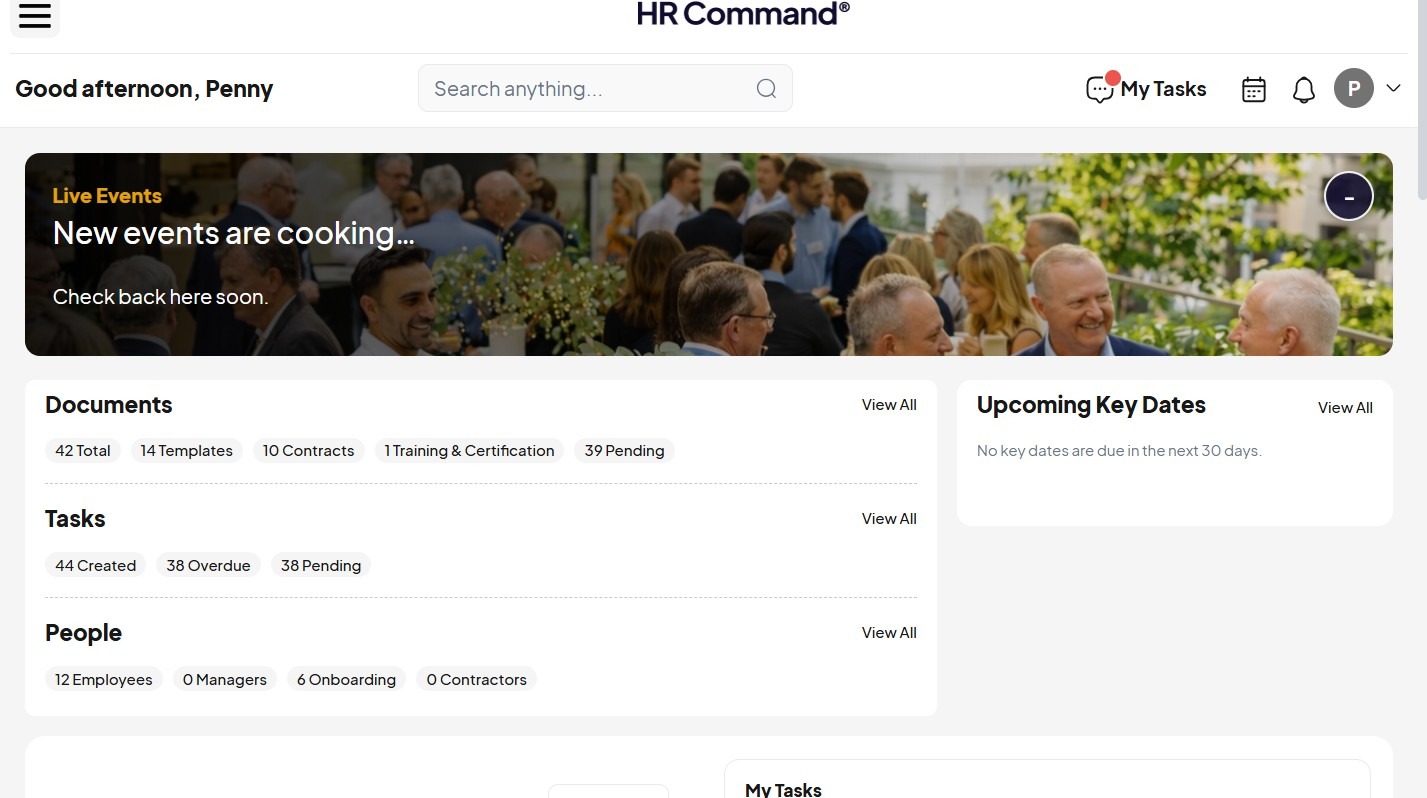
2. Open the navigation menu.
Consultation Setup
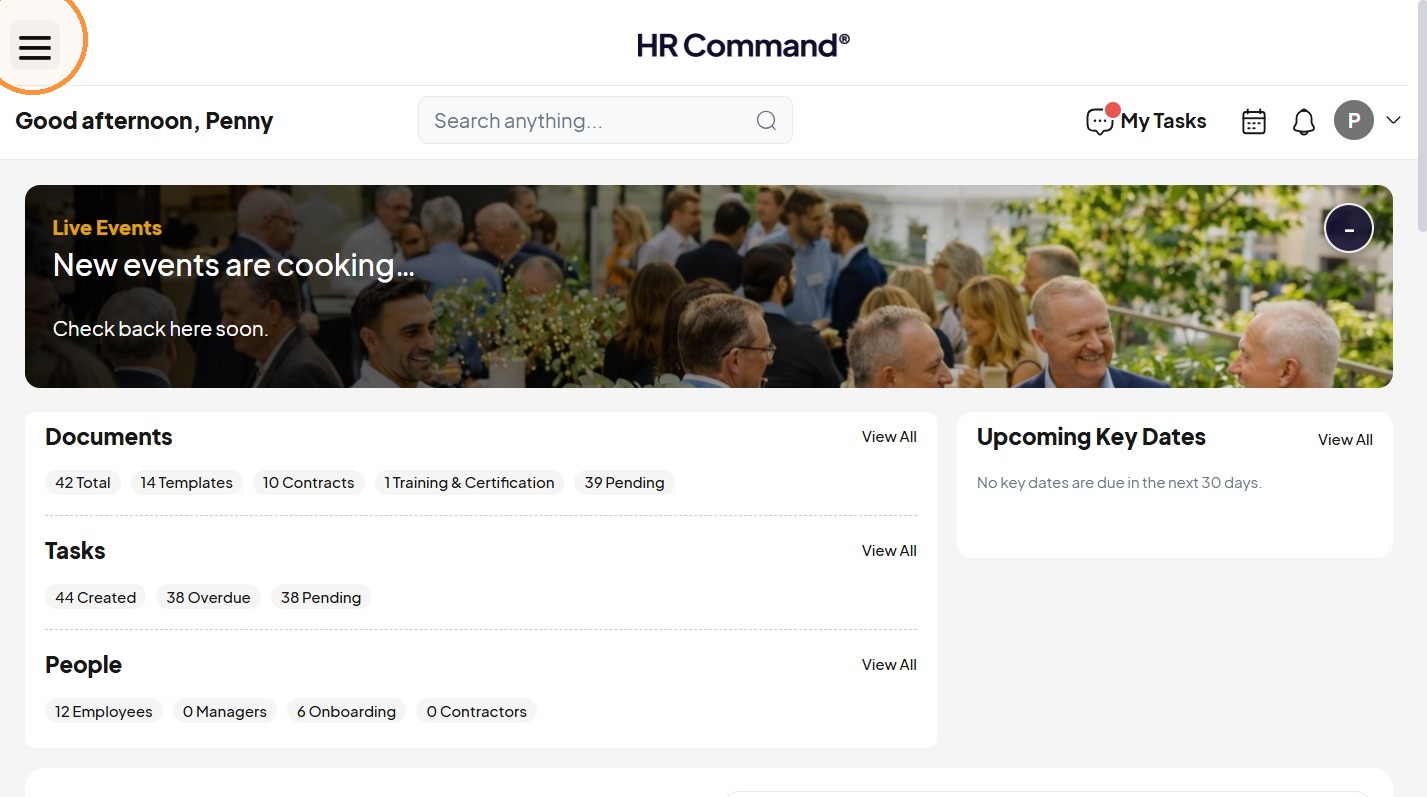
3. Click "Communications"
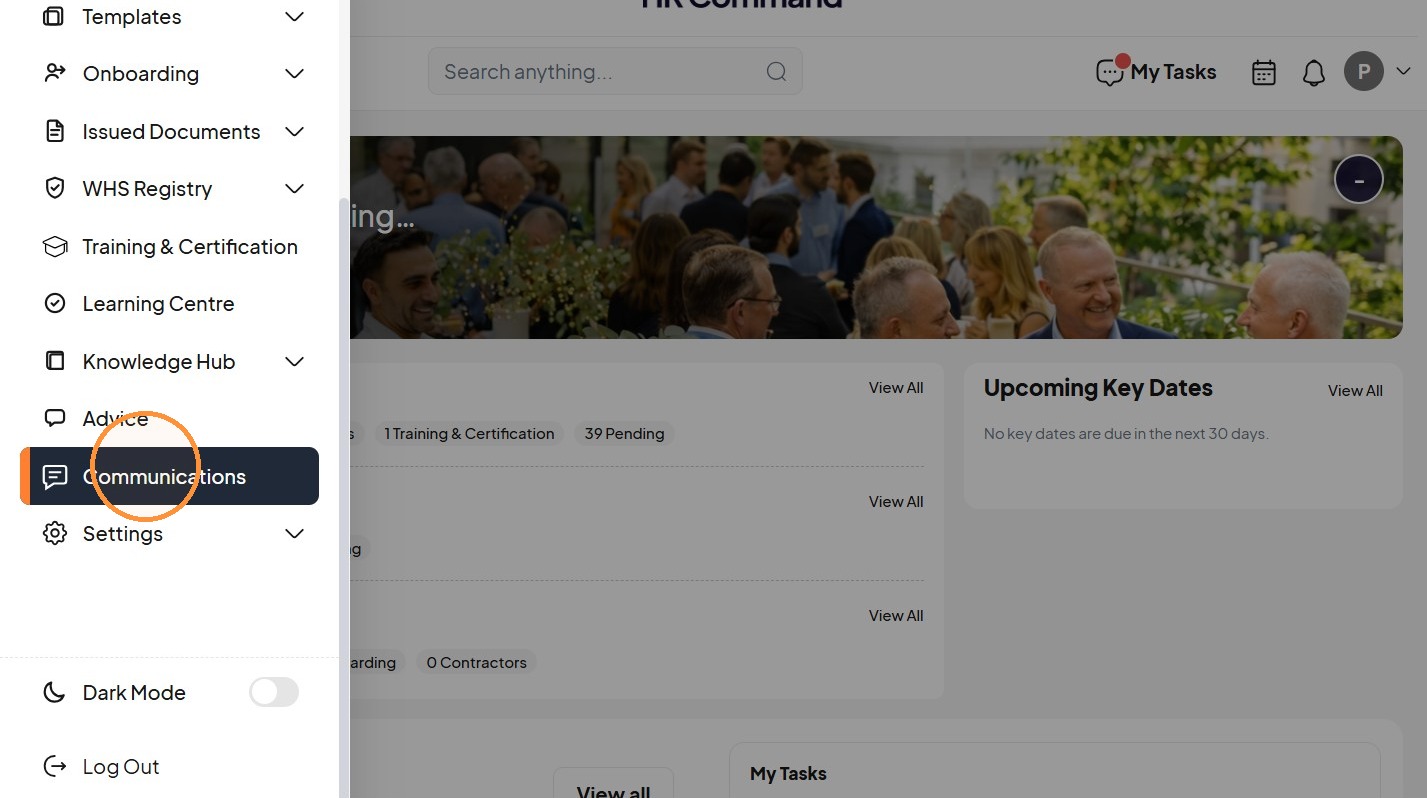
4. Click "Consultation"
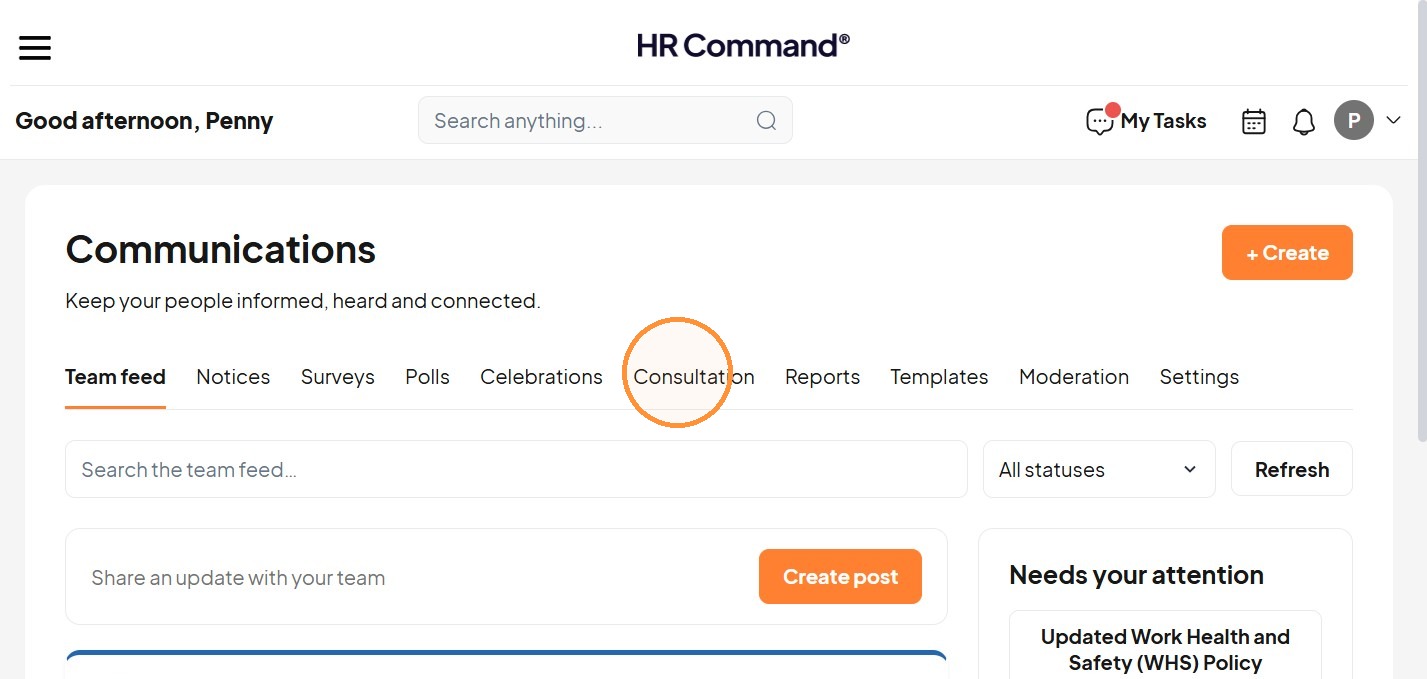
5. Click "+ Create"
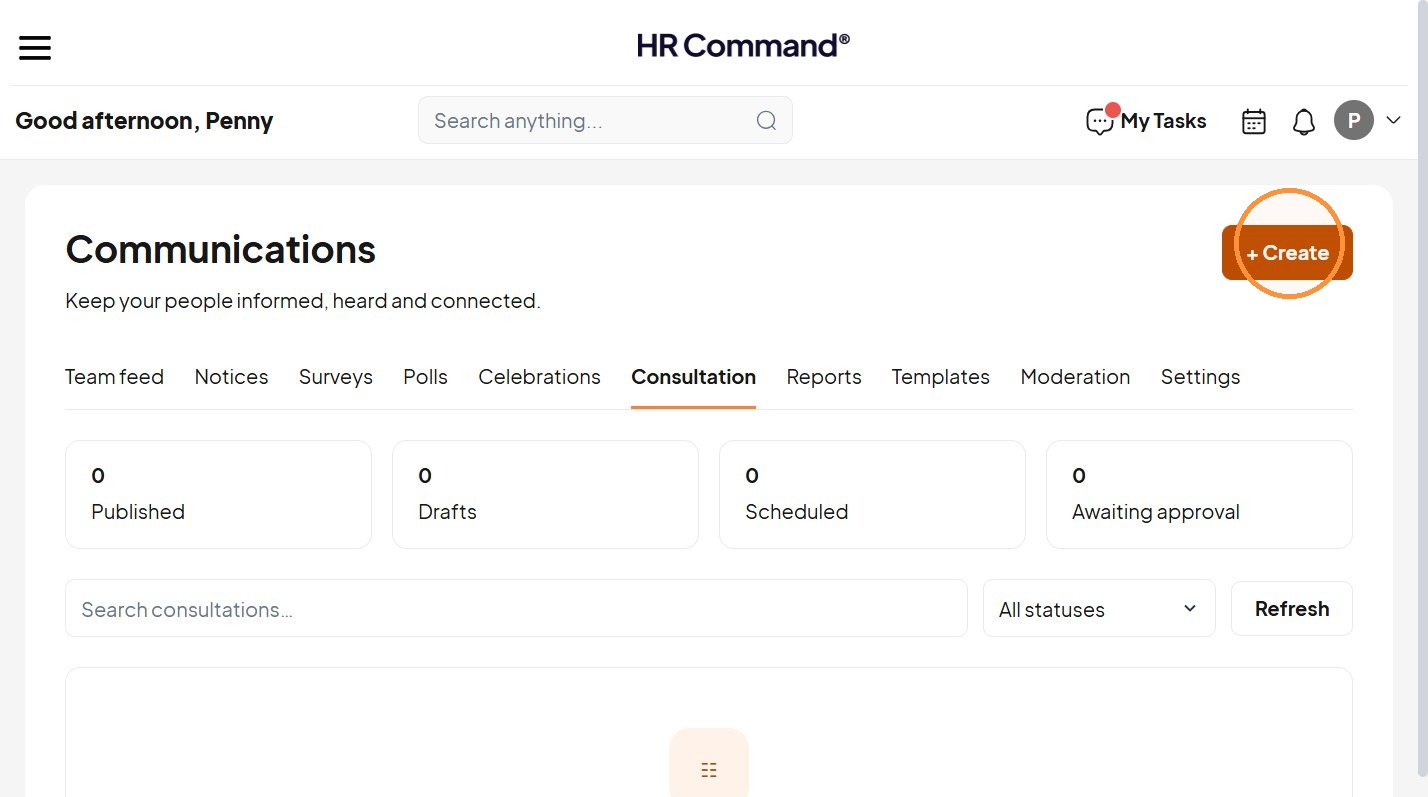
Consultation Details
6. Add the title.
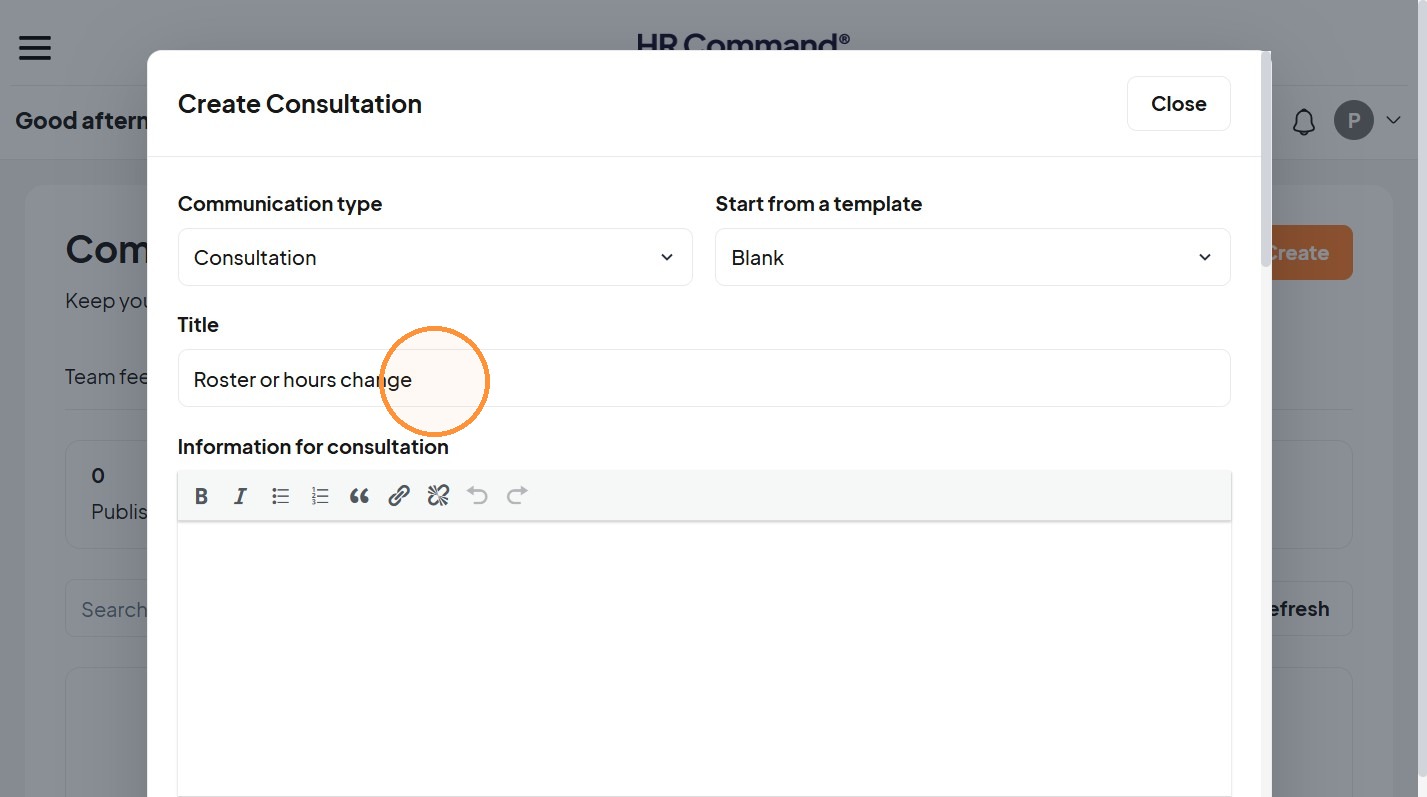
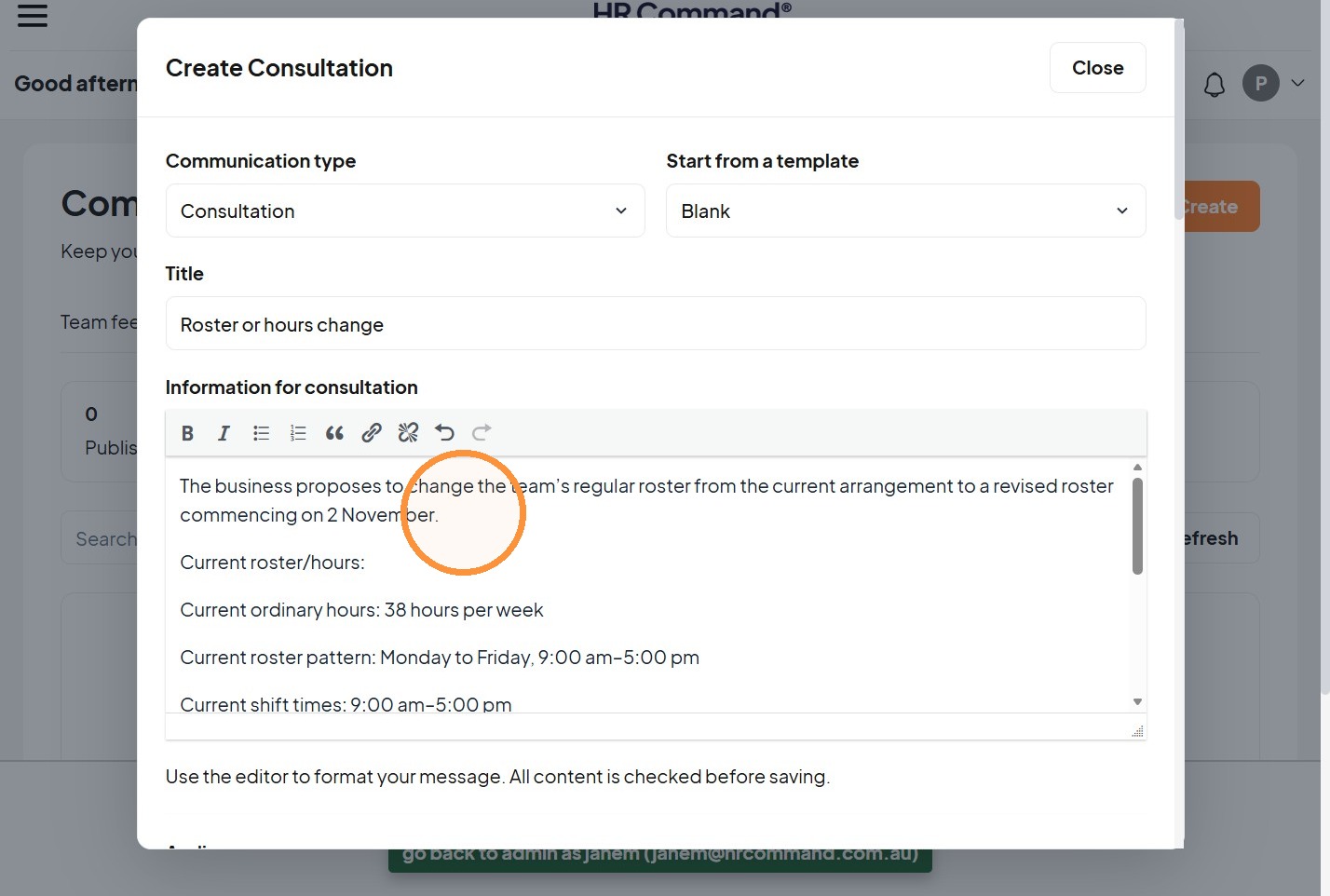
7. Add the information details.
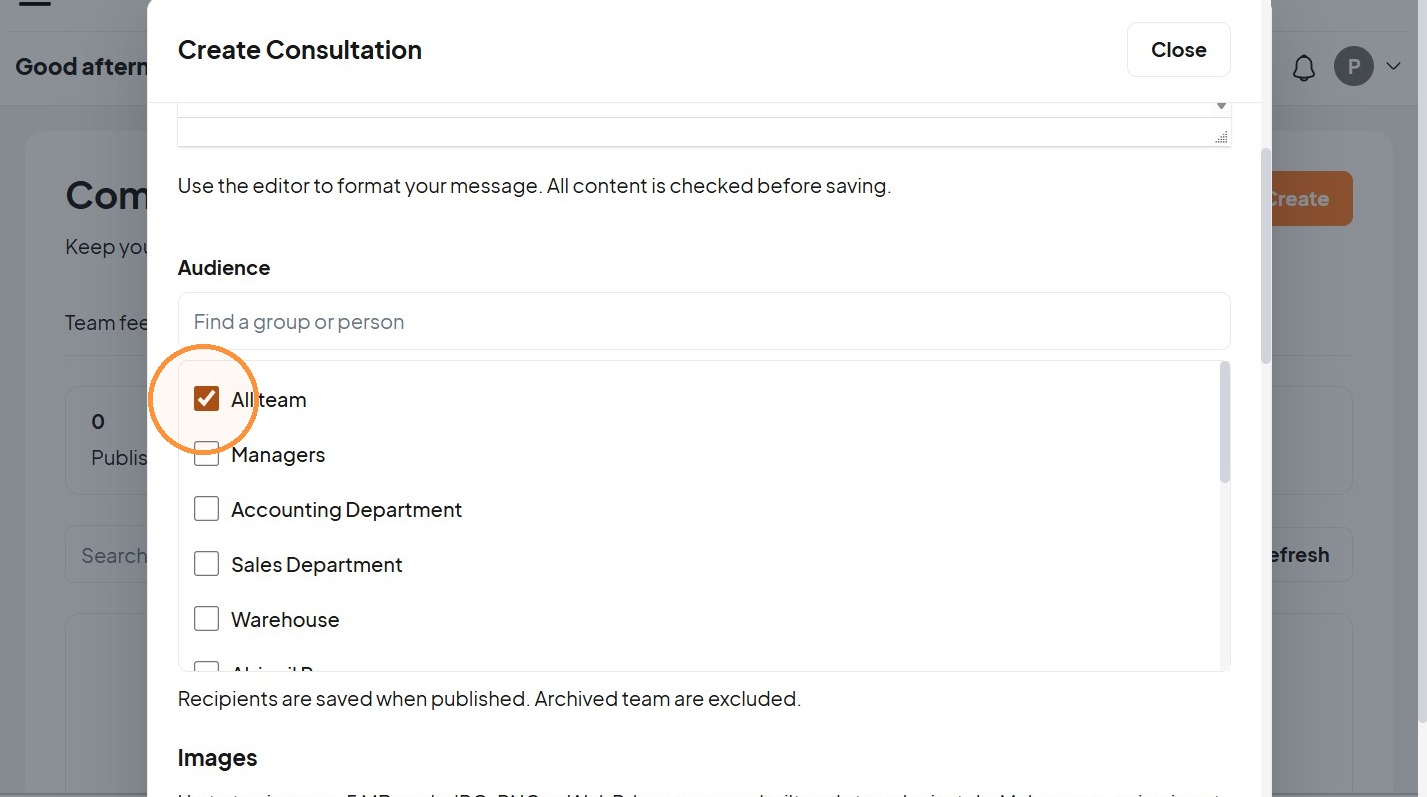
8. Select the audience.
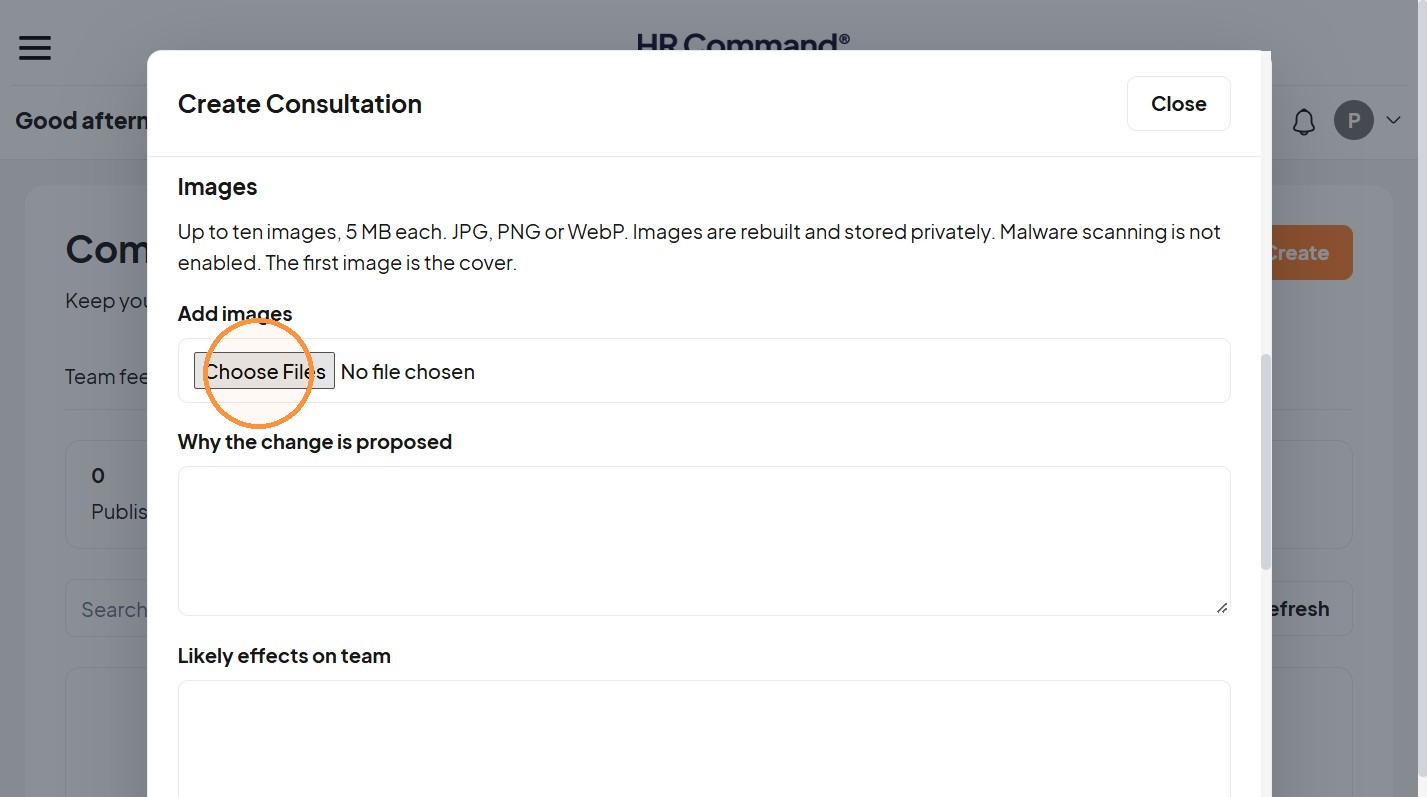
9. Add images when available.
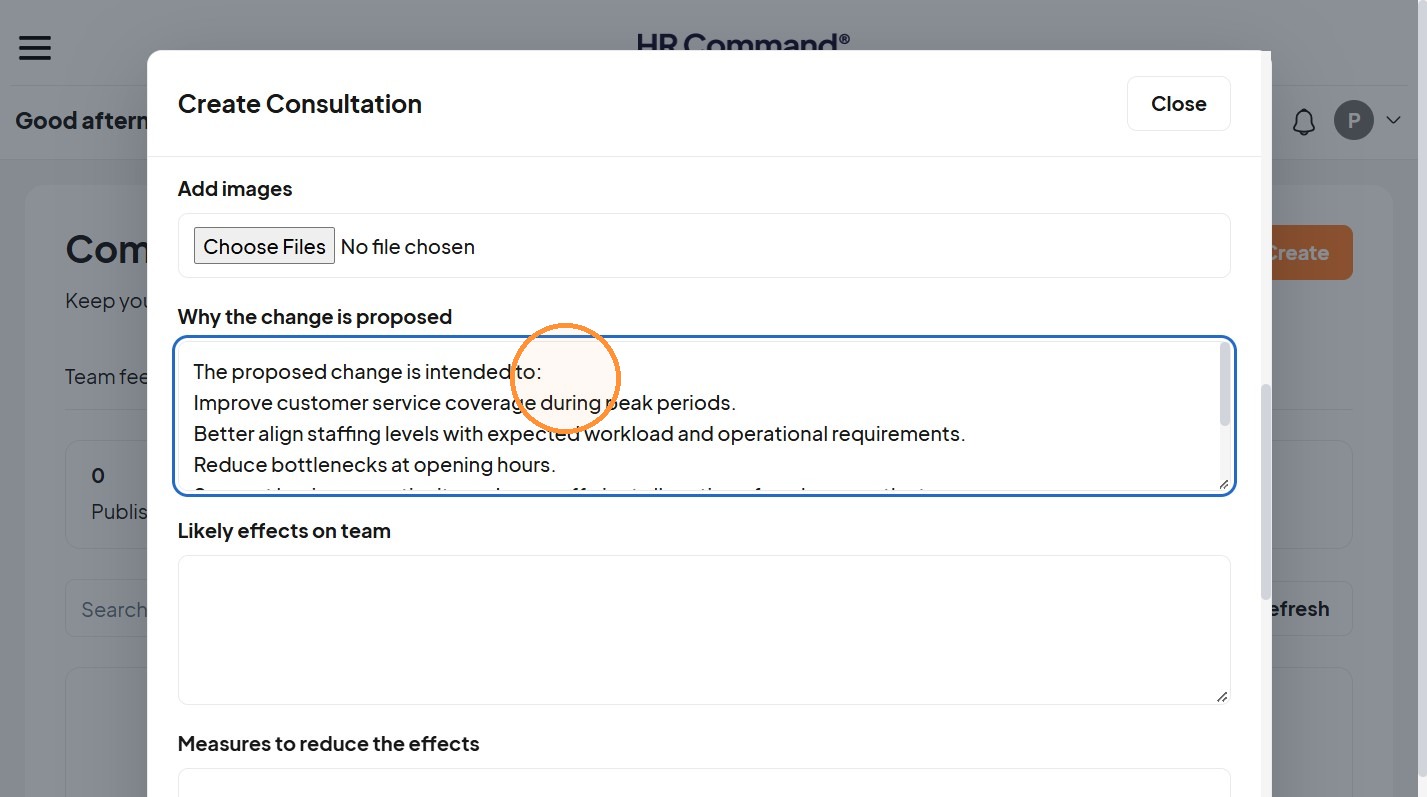
10. Add relevant information, why the change is proposed, likely effects and measures to reduce those effects.
Closing and Publishing
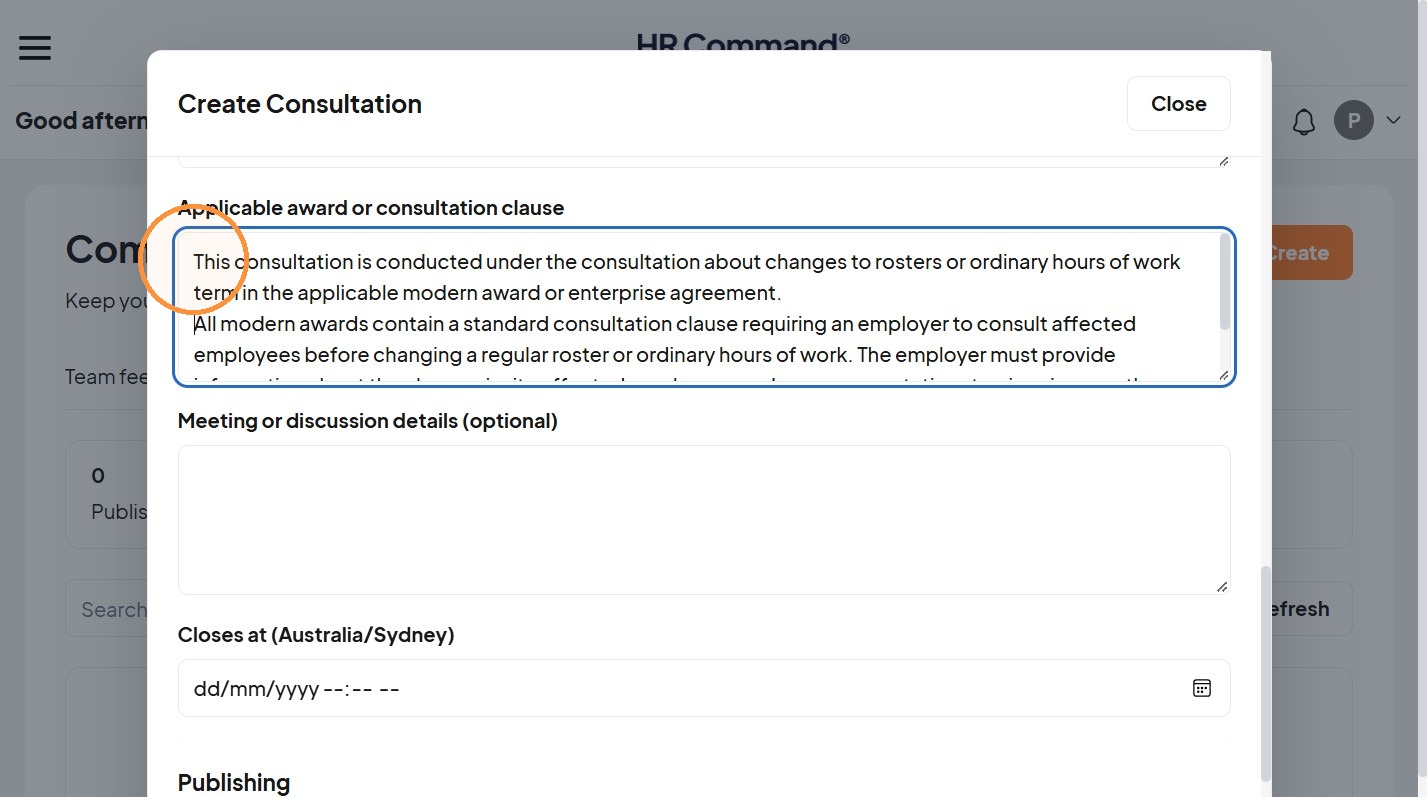
11. Record the applicable award or consultation clause.
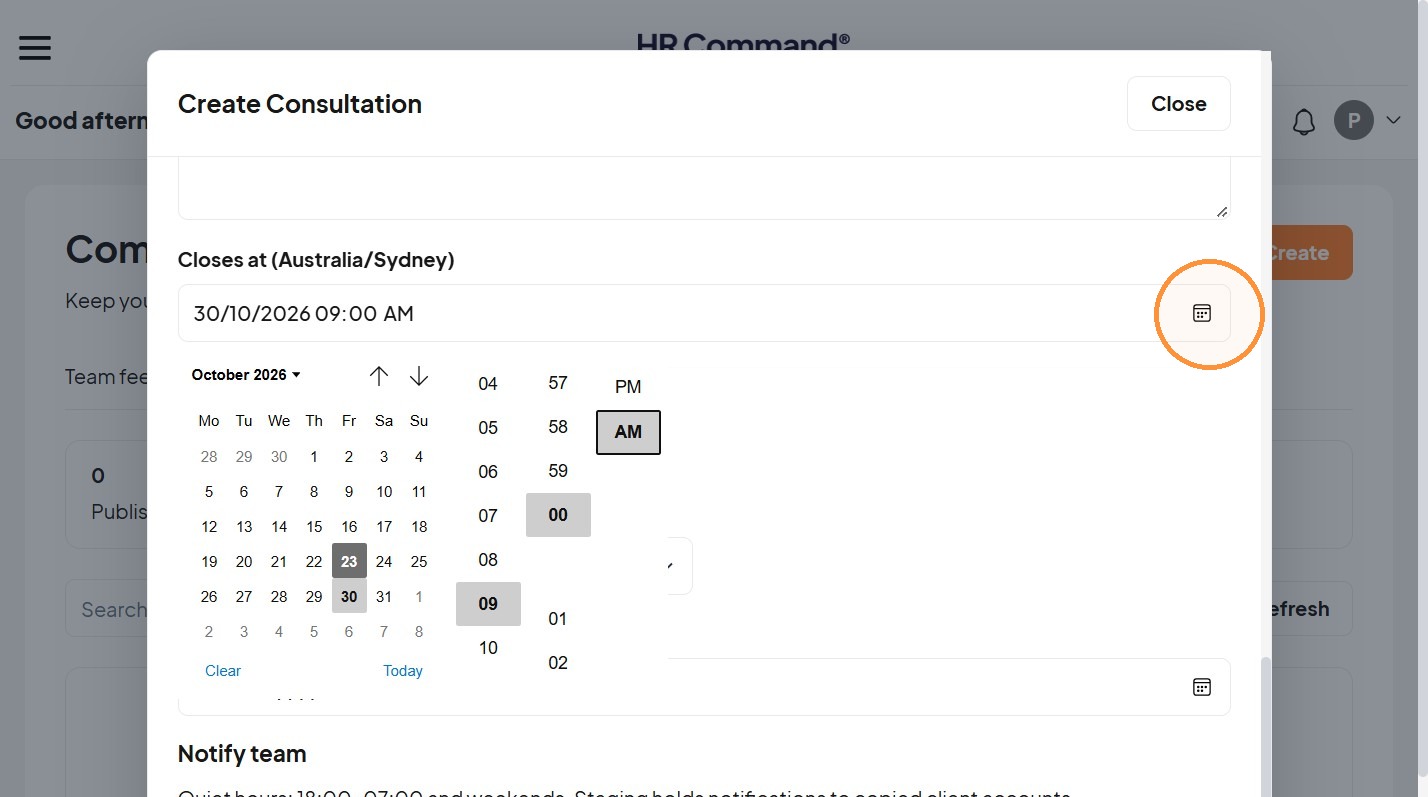
12. Select the closing time.
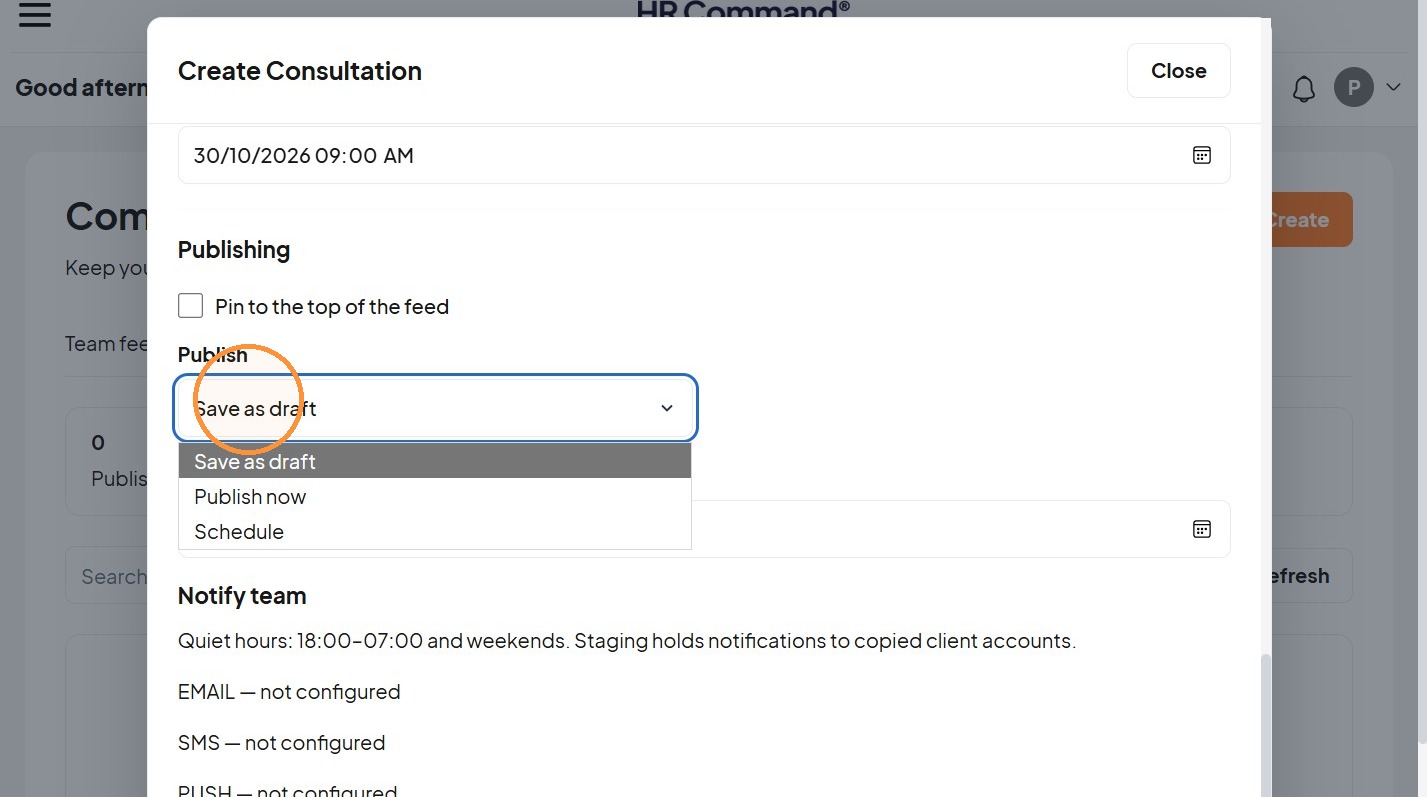
13. “Save as draft”, “Publish now” or “Schedule”
Was this article helpful?
That’s Great!
Thank you for your feedback
Sorry! We couldn't be helpful
Thank you for your feedback
Feedback sent
We appreciate your effort and will try to fix the article