Connect HR Command to Xero and Import Employees
1. Navigate to your dashboard
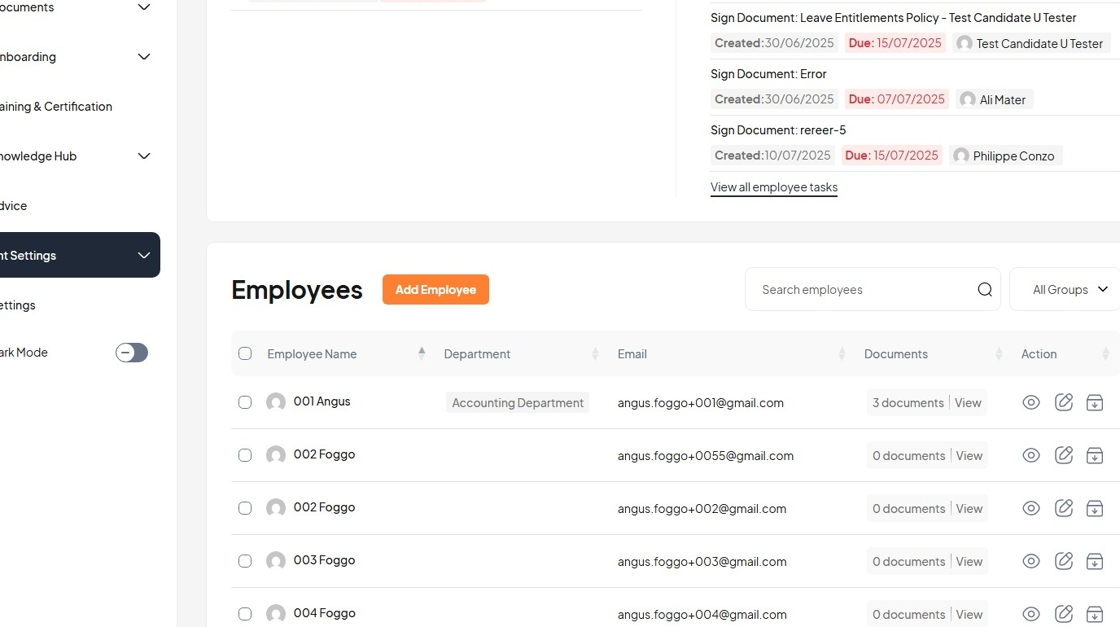
2. Click "Account Settings"
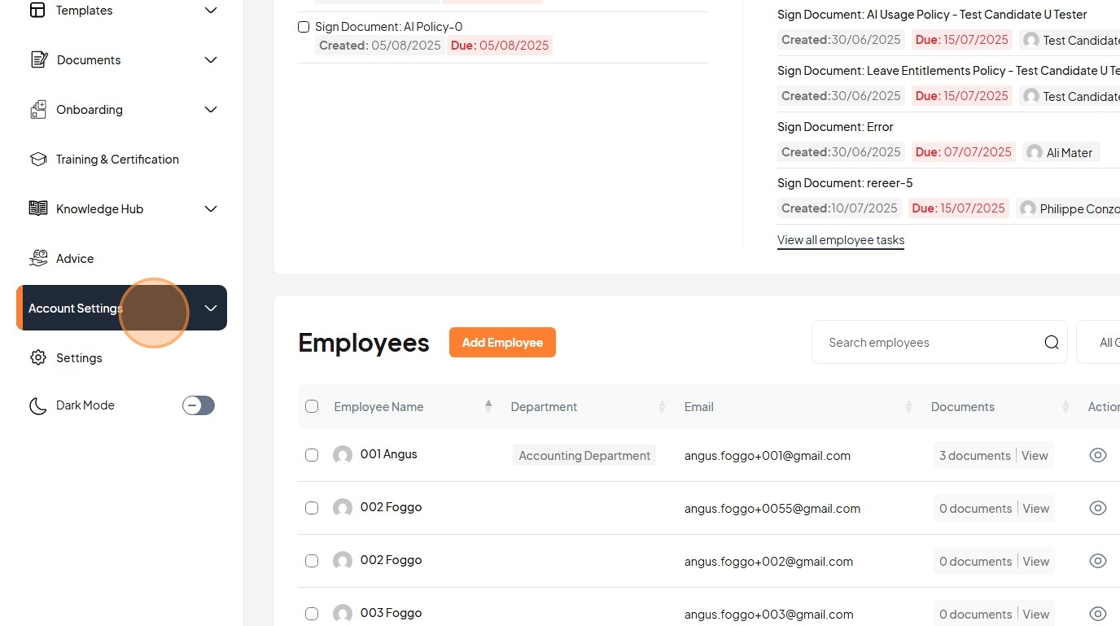
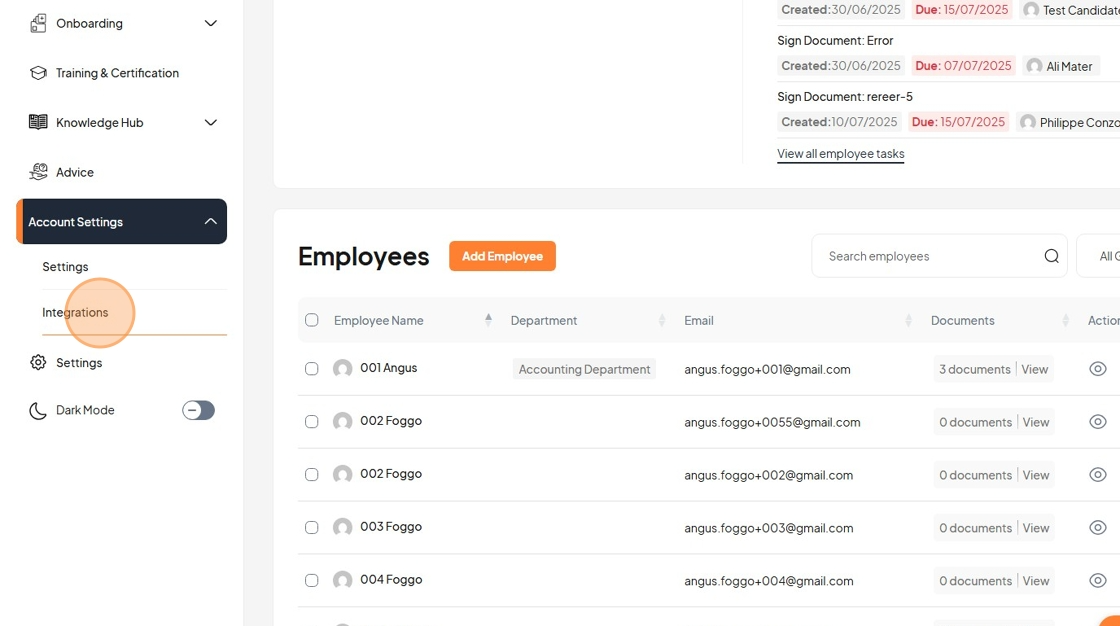
3. Click "Integrations"
4. Click "Setup Integration"
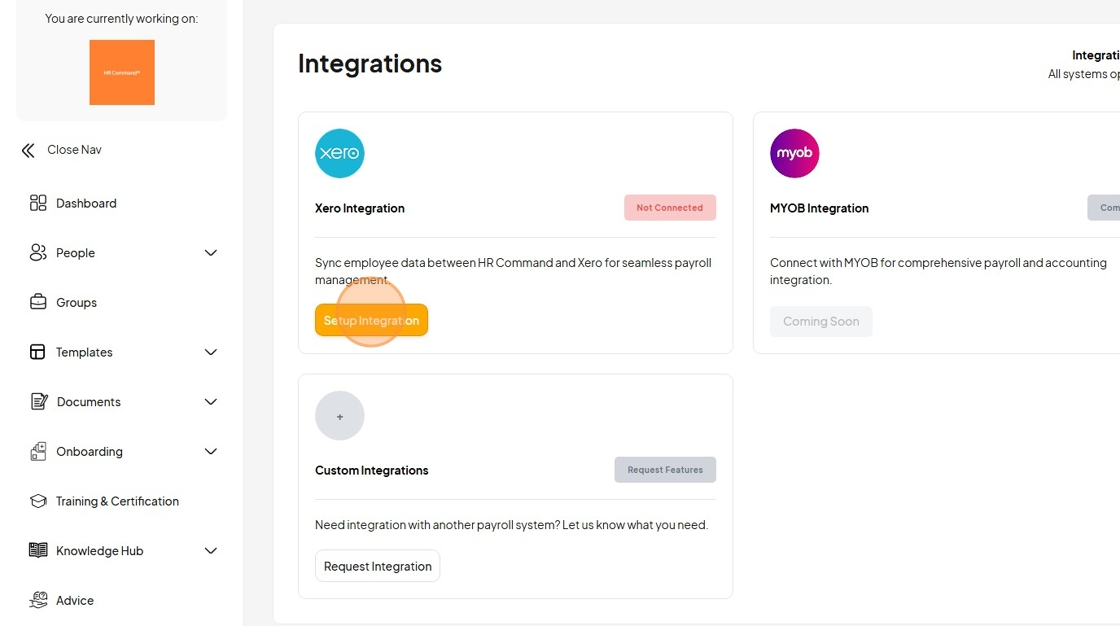
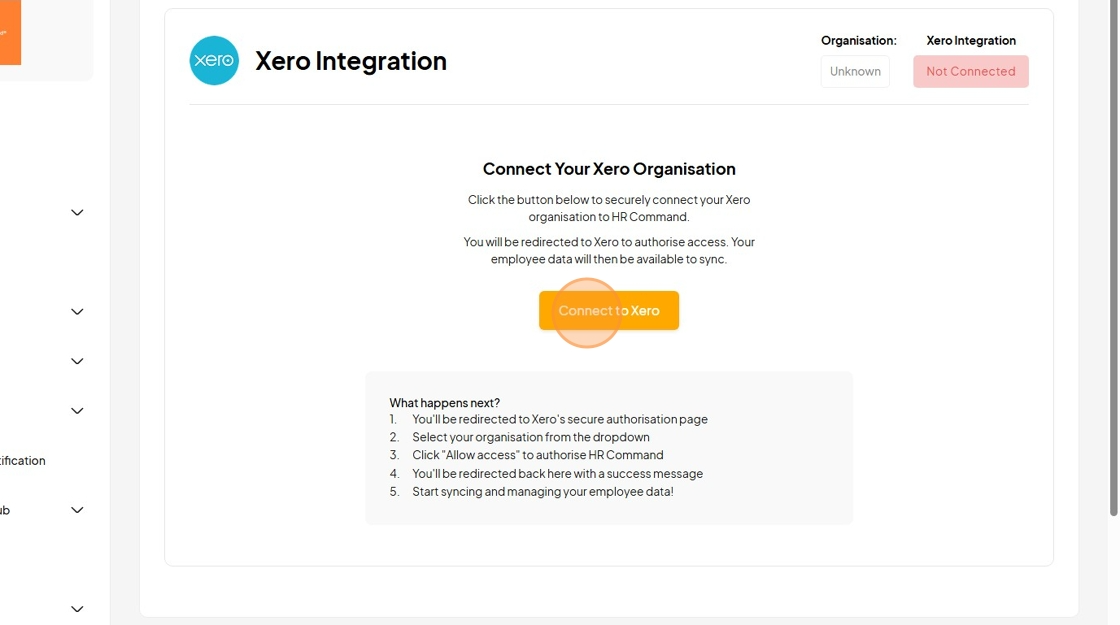
5. Click "Connecting to Xero..."
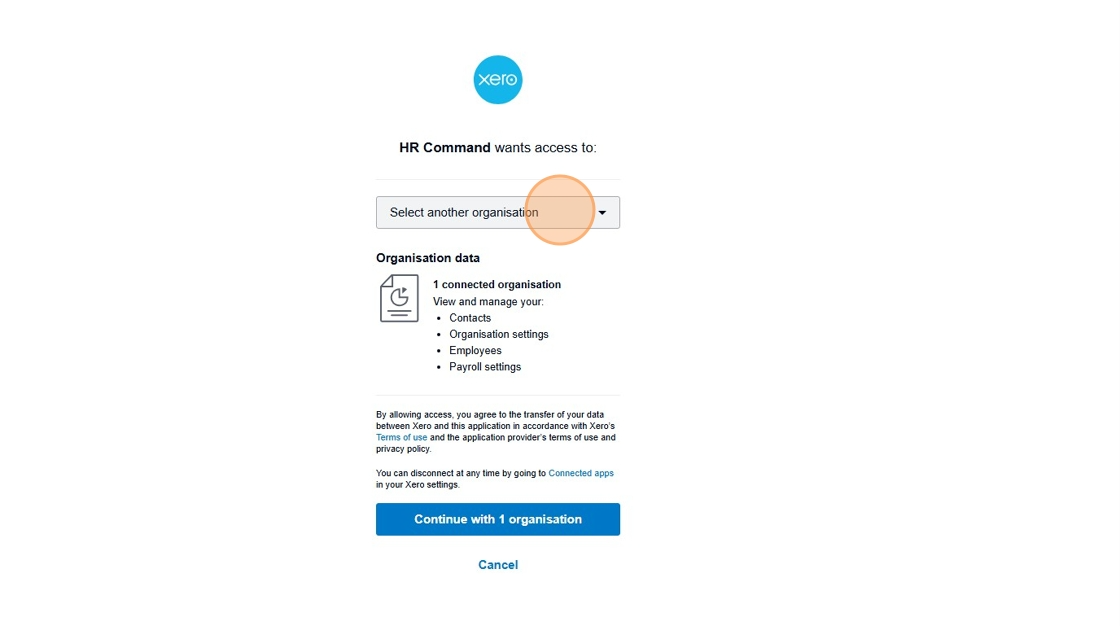
6. Click "Select another organisation"
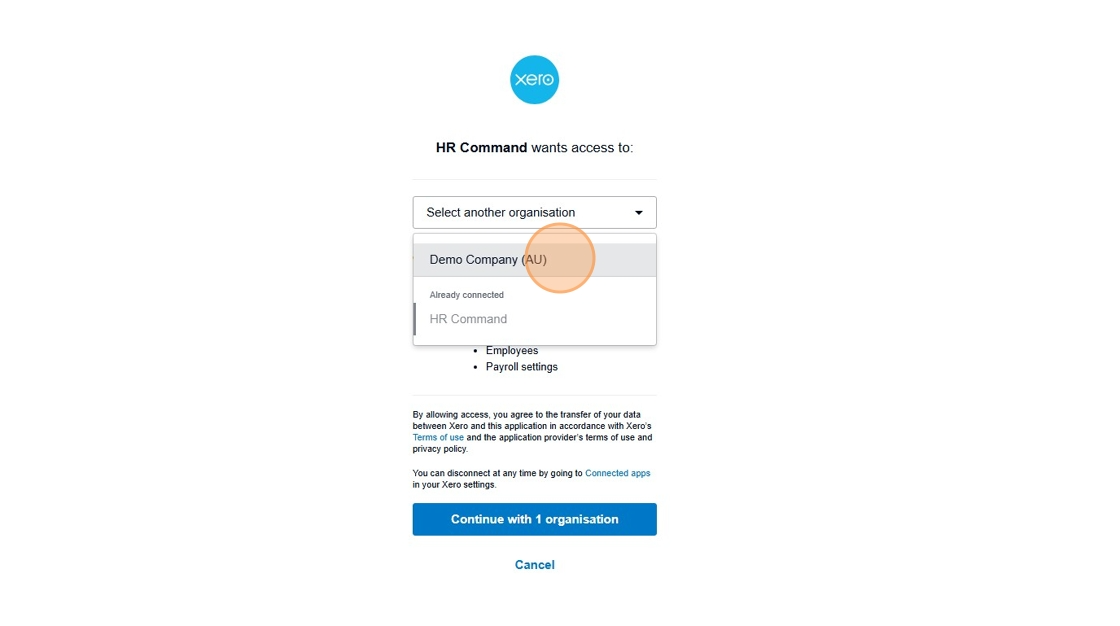
7. Click "Demo Company (AU)"
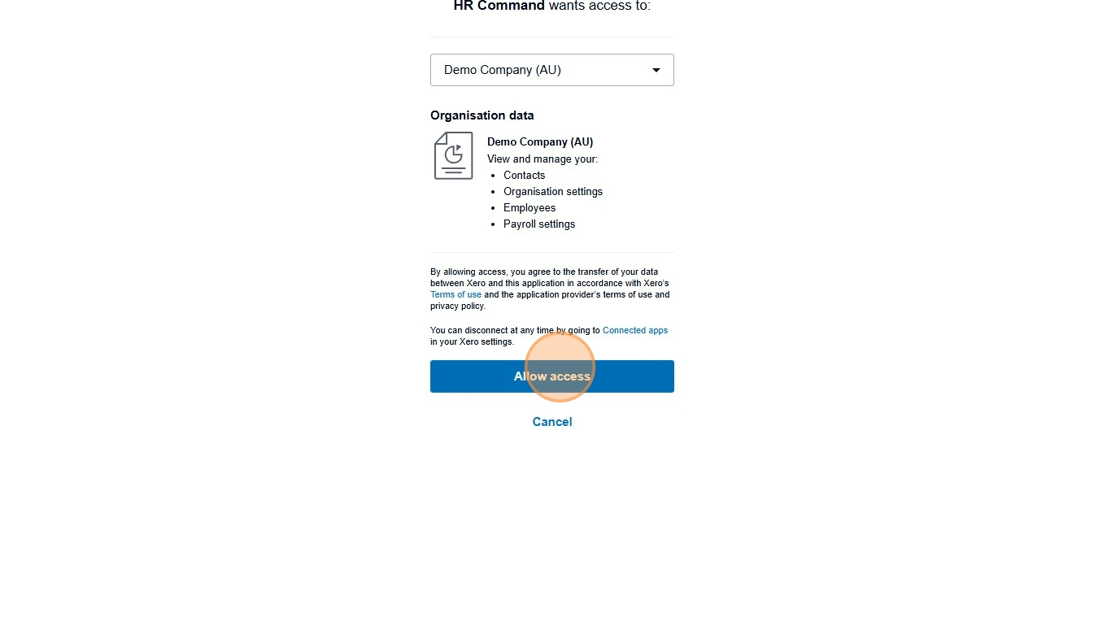
8. Click "Allow access"
9. Click "HR Command"
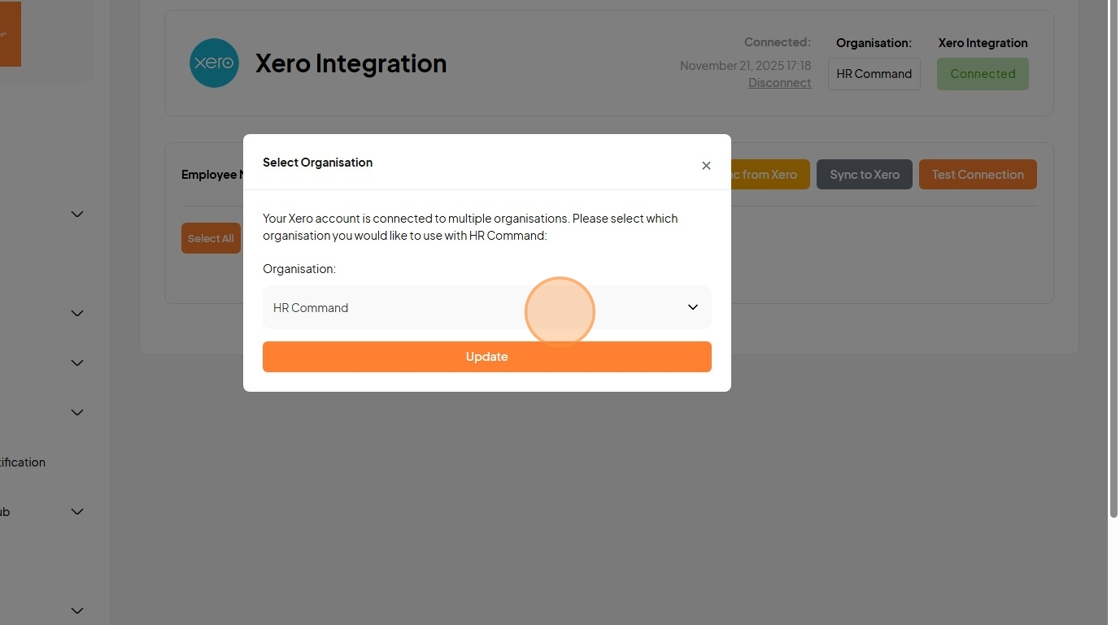
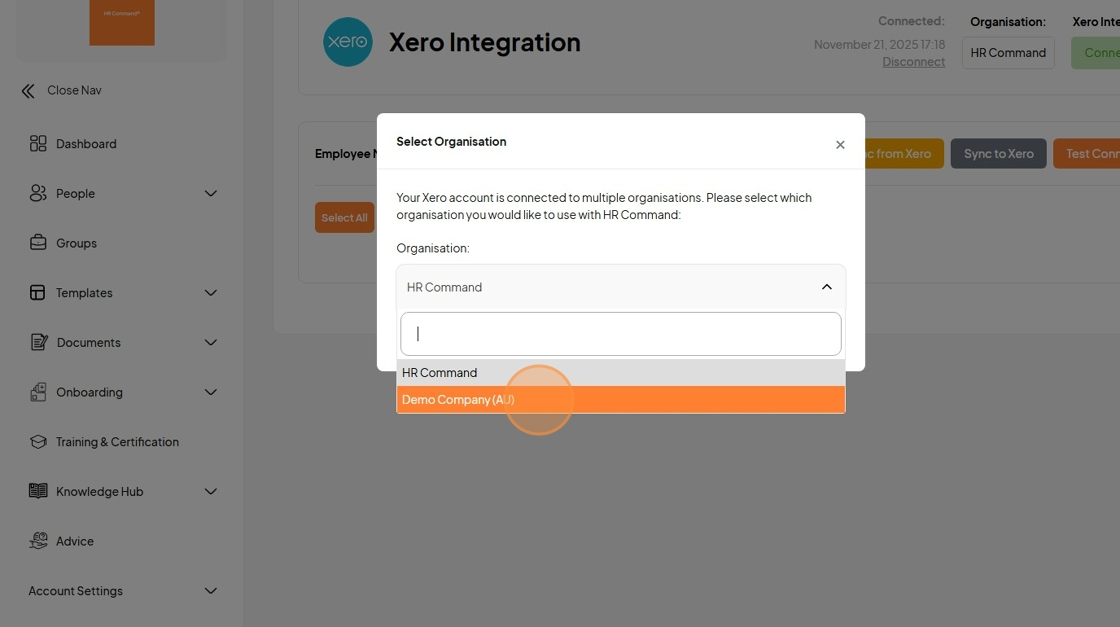
10. Click "Demo Company (AU)"
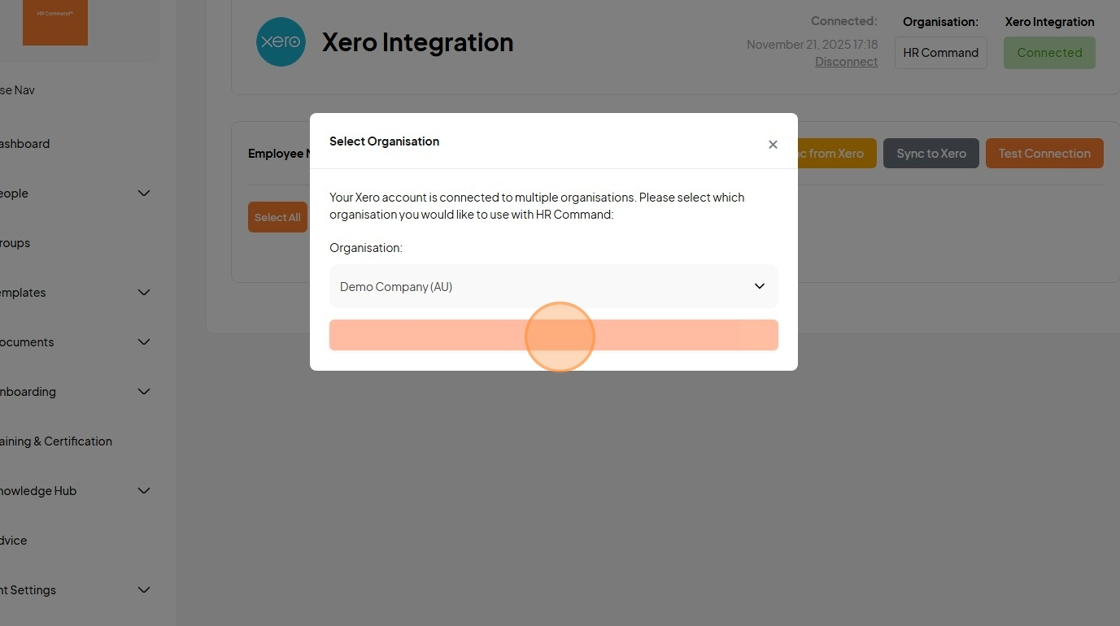
11. Click "Update"
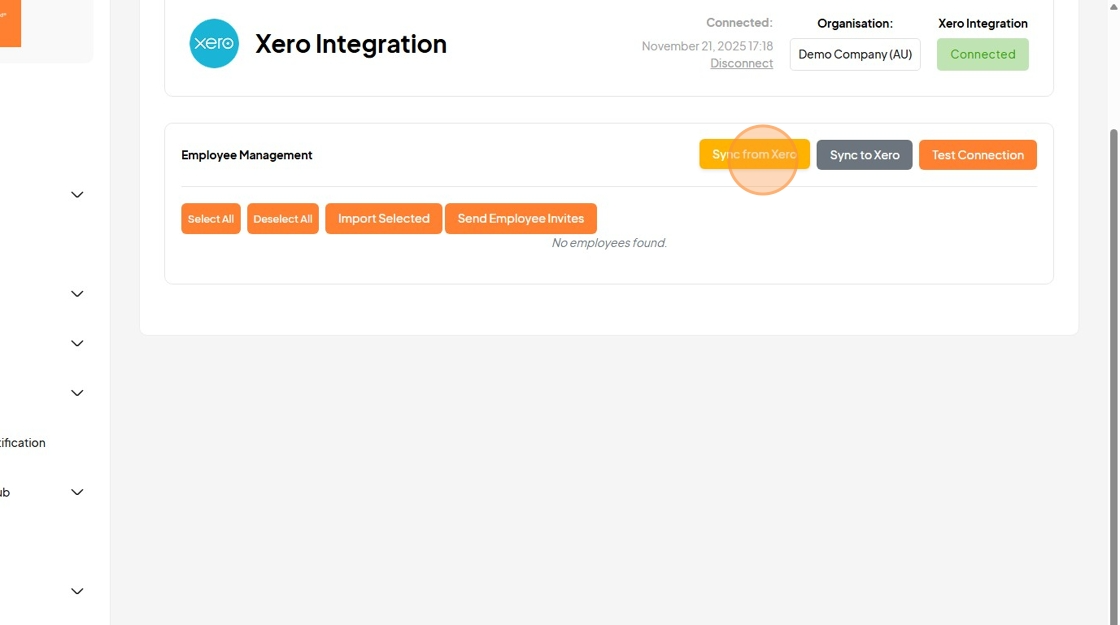
12. Click "Sync from Xero"
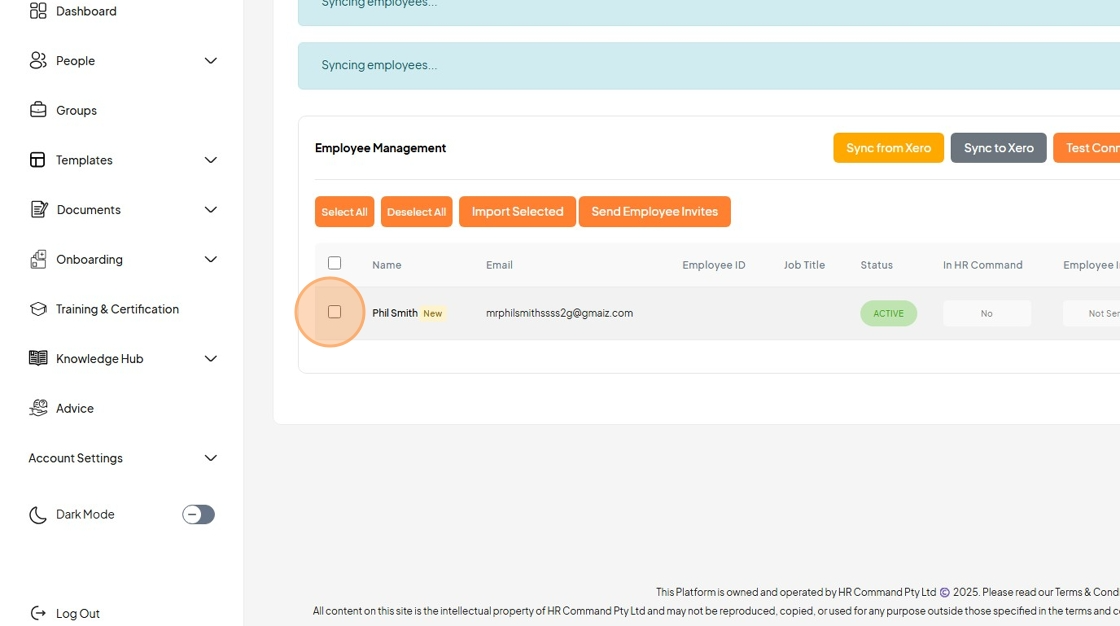
13. Click this checkbox
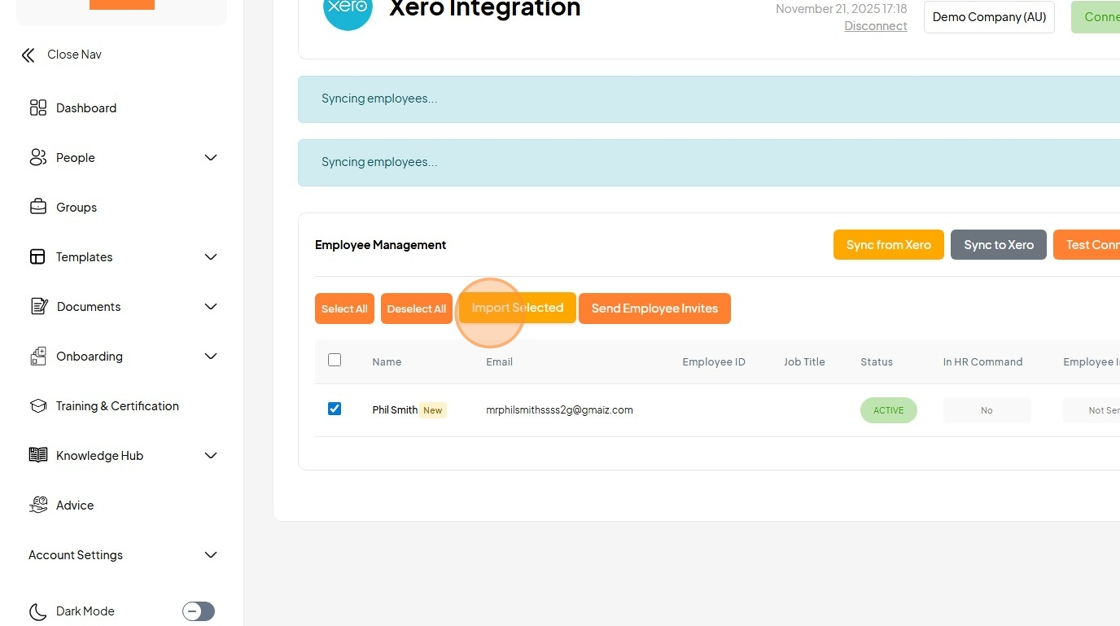
14. Click "Importing employees..."
Was this article helpful?
That’s Great!
Thank you for your feedback
Sorry! We couldn't be helpful
Thank you for your feedback
Feedback sent
We appreciate your effort and will try to fix the article