Learn how to navigate the HR Command portal to publicly recognize a colleague for their hard work. This guide walks you through the steps to draft, categorize, and save your shout-out to share with your team.
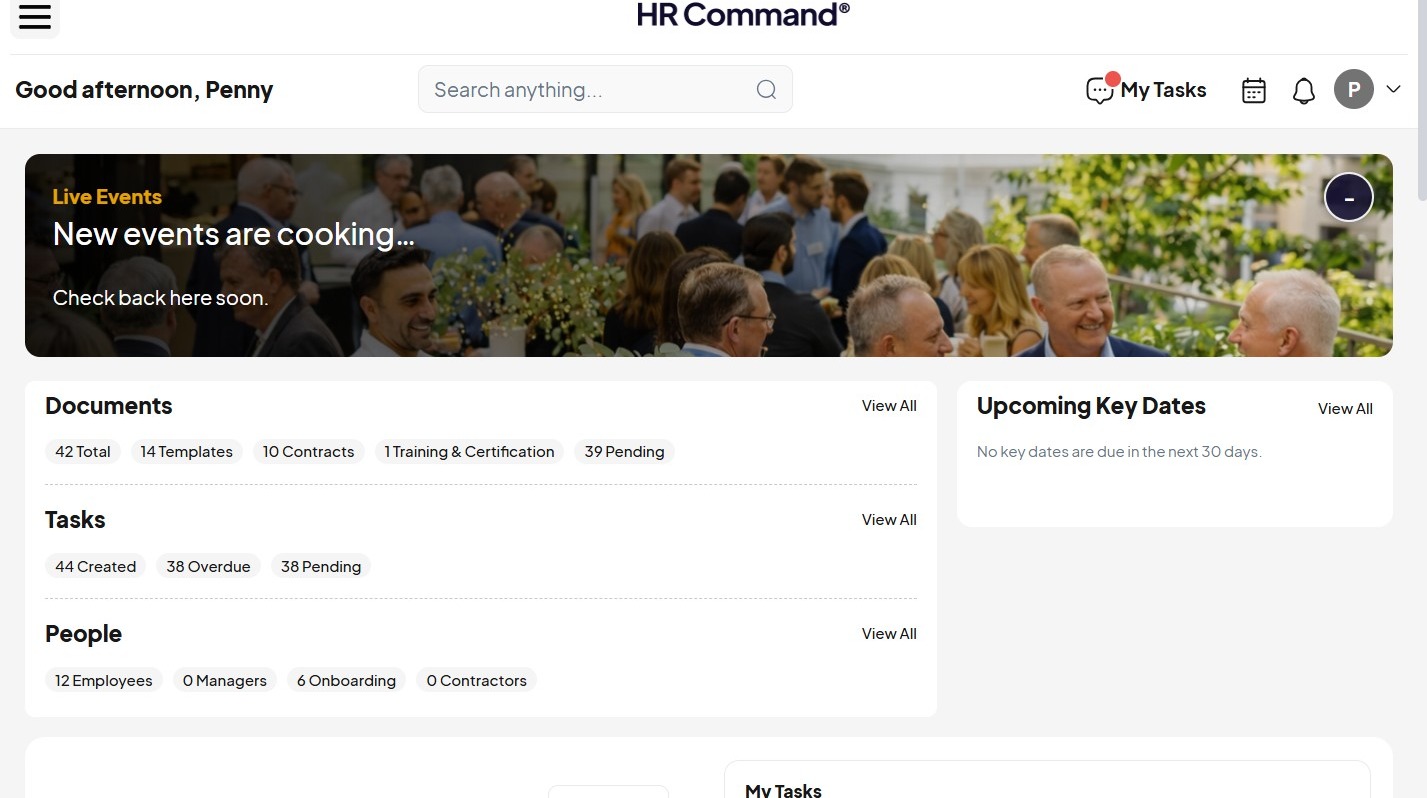
Open HR Command
1. Navigate to https://secure.hrcommand.com.au/
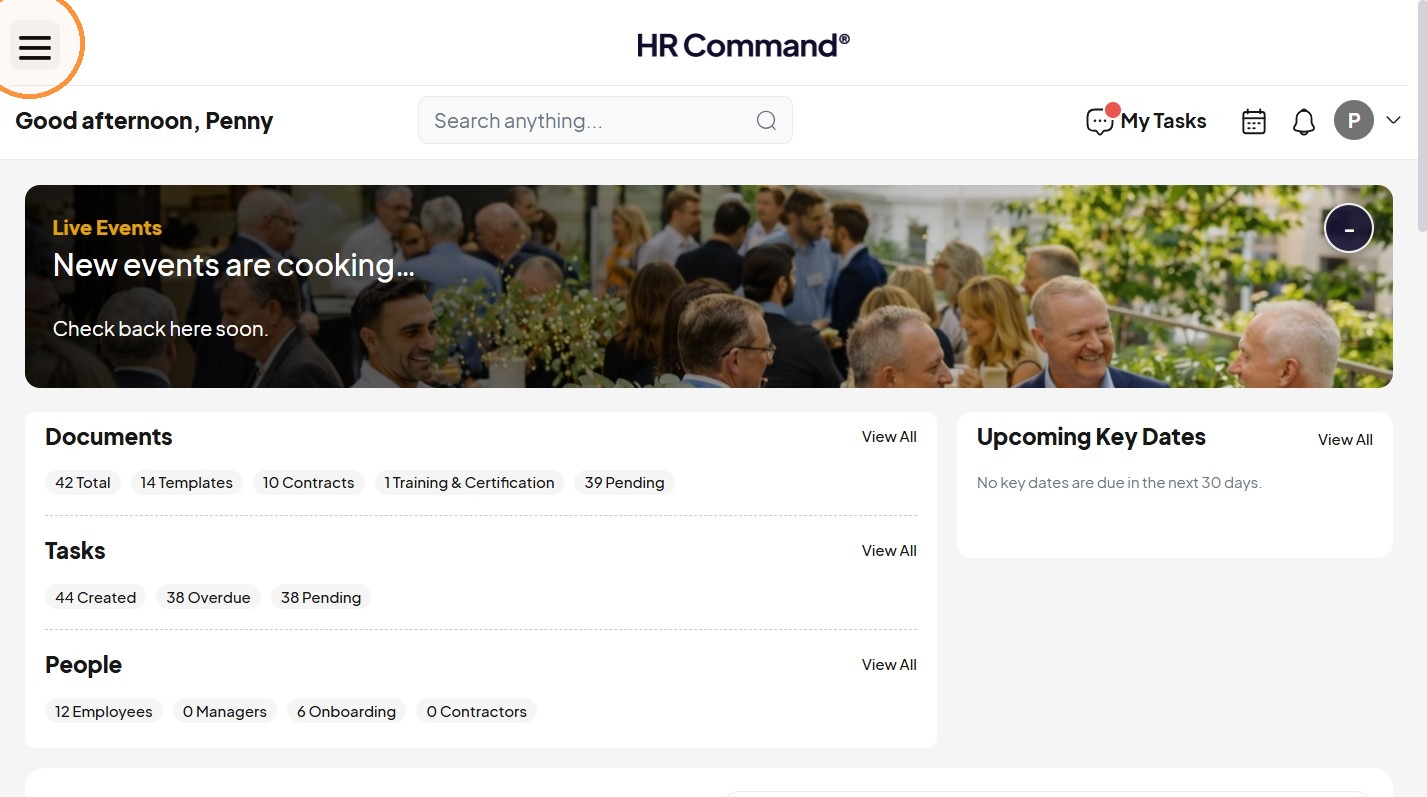
2. Click the menu button.
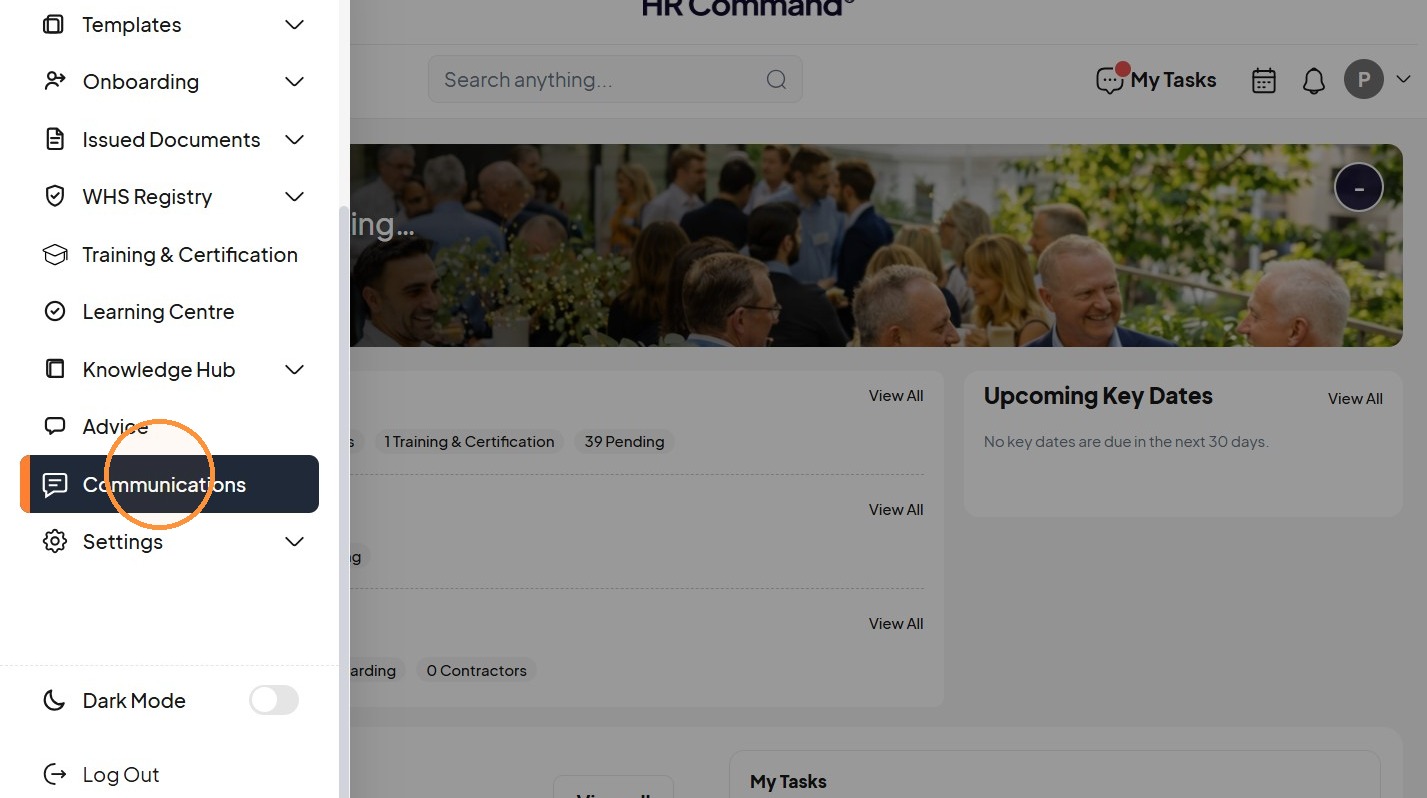
Open Communications
3. Click "Communications"
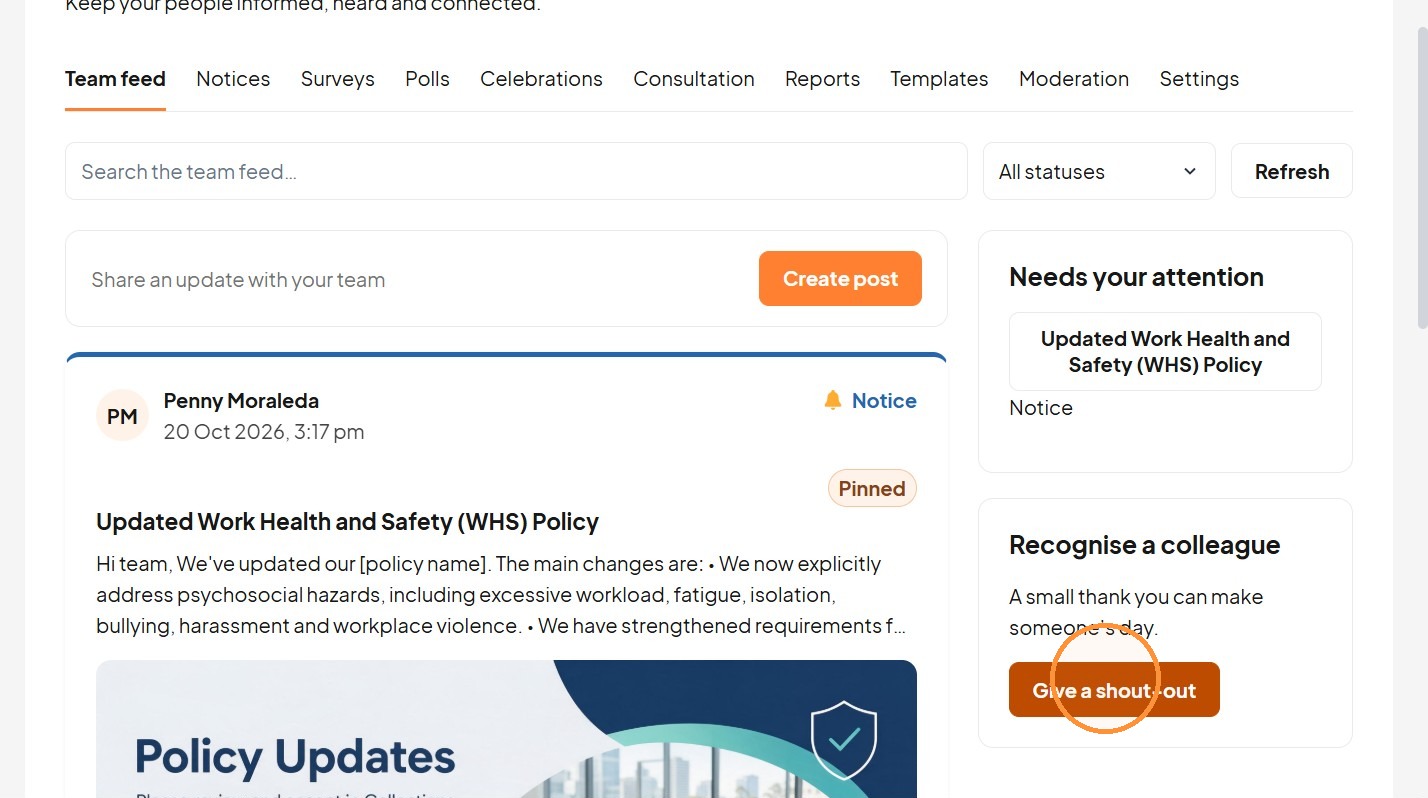
4. Select “Give a shout-out” from the header or Team feed.
Compose Shout-Out
5. Add a title.
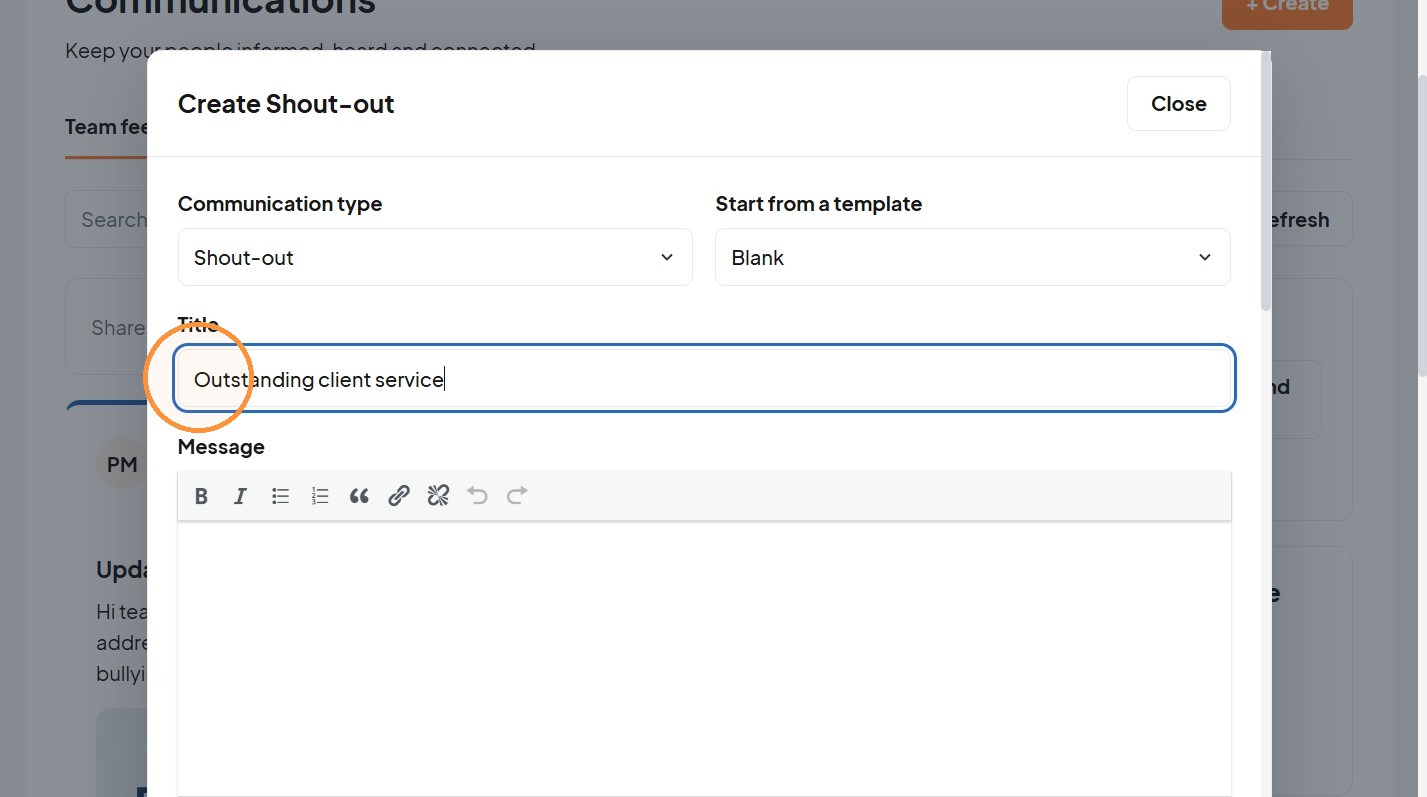
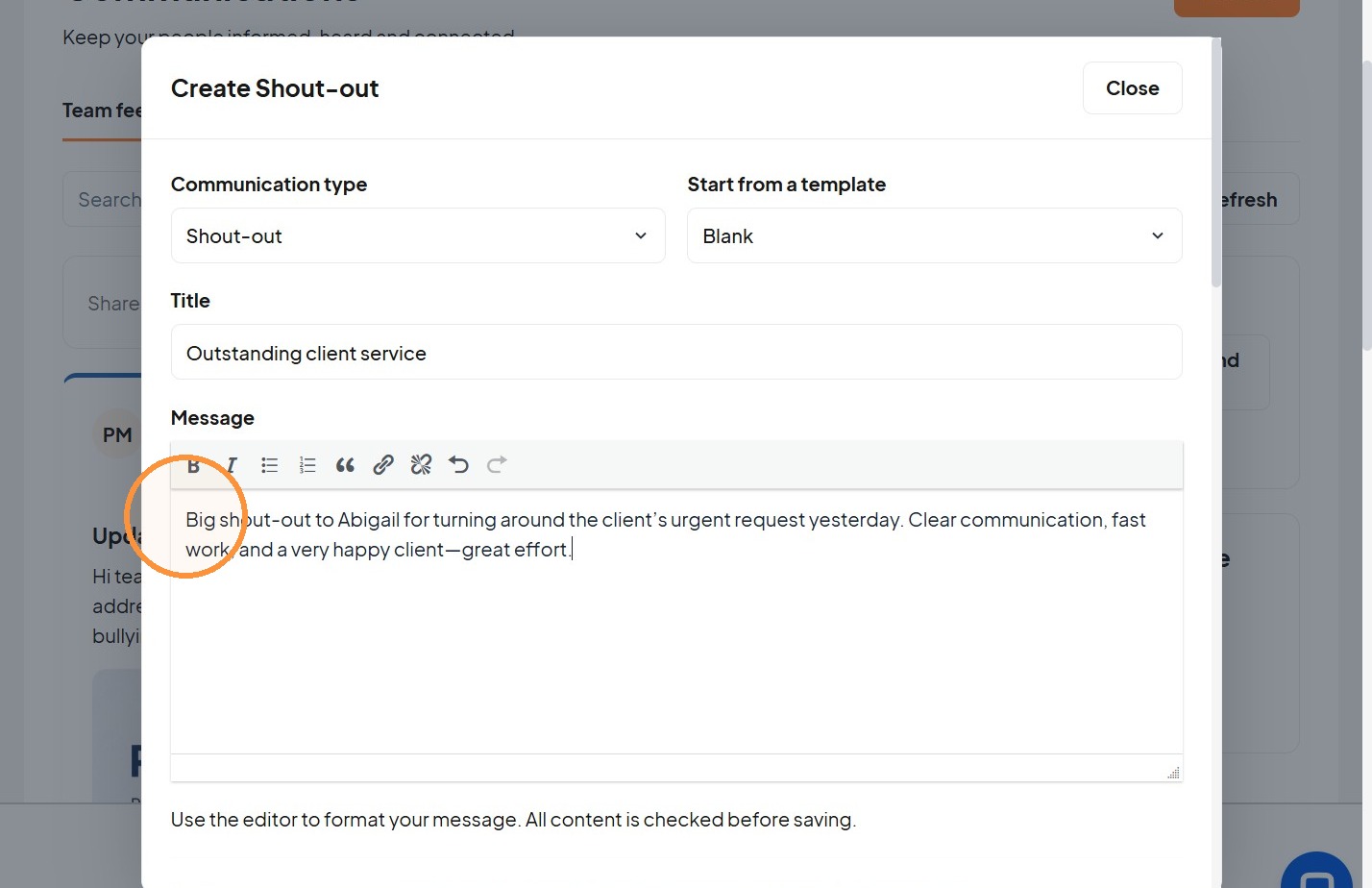
6. Add a message.
Set Audience
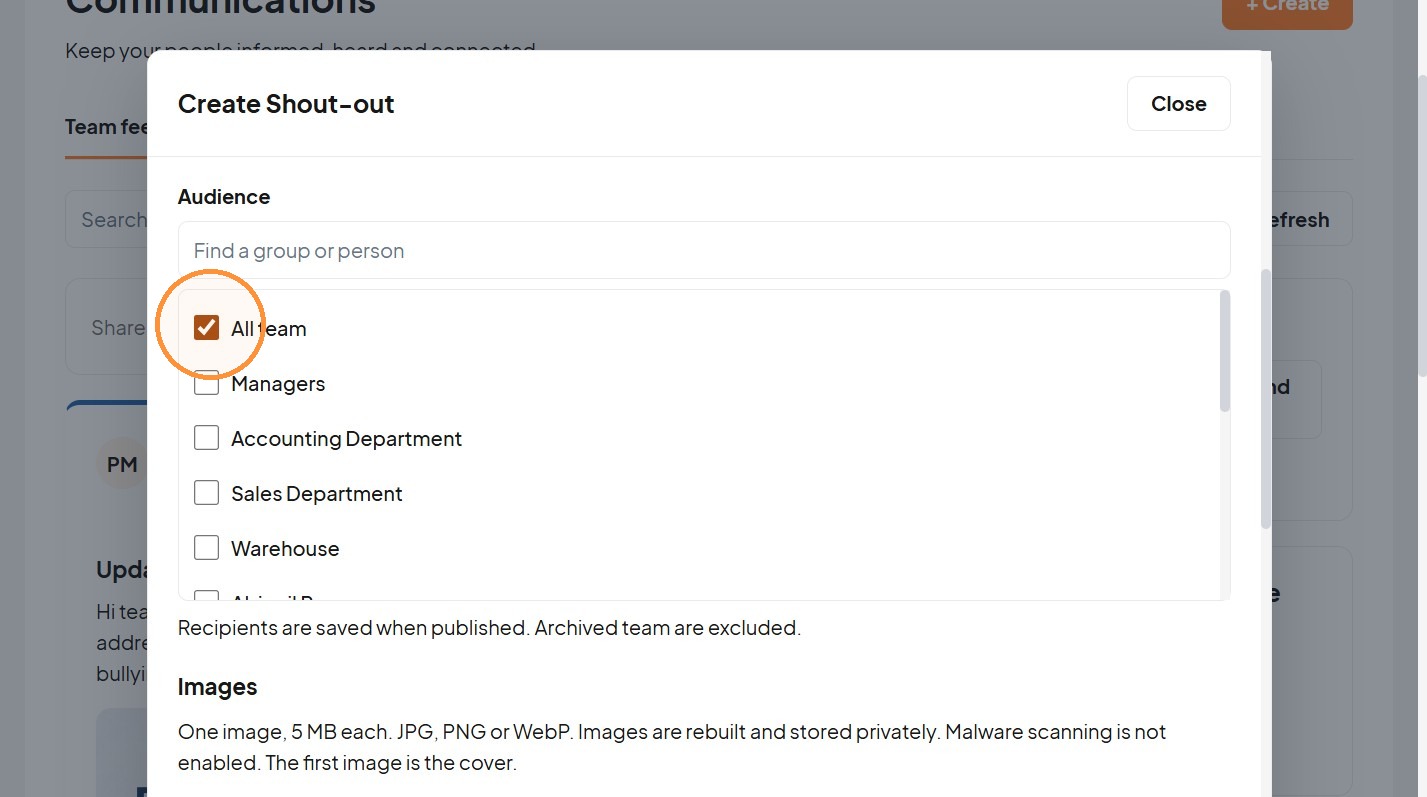
7. Choose the audience.
8. Add images when available.
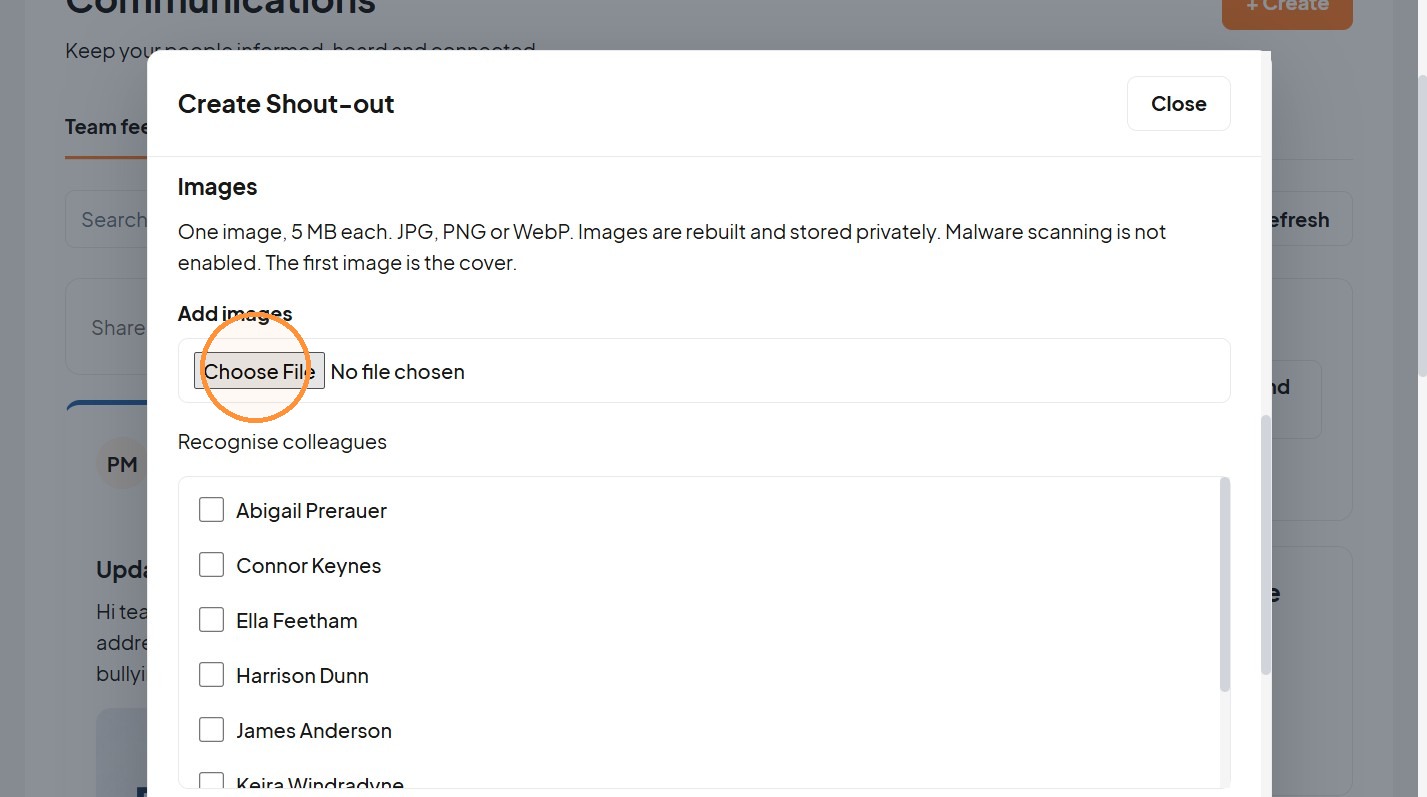
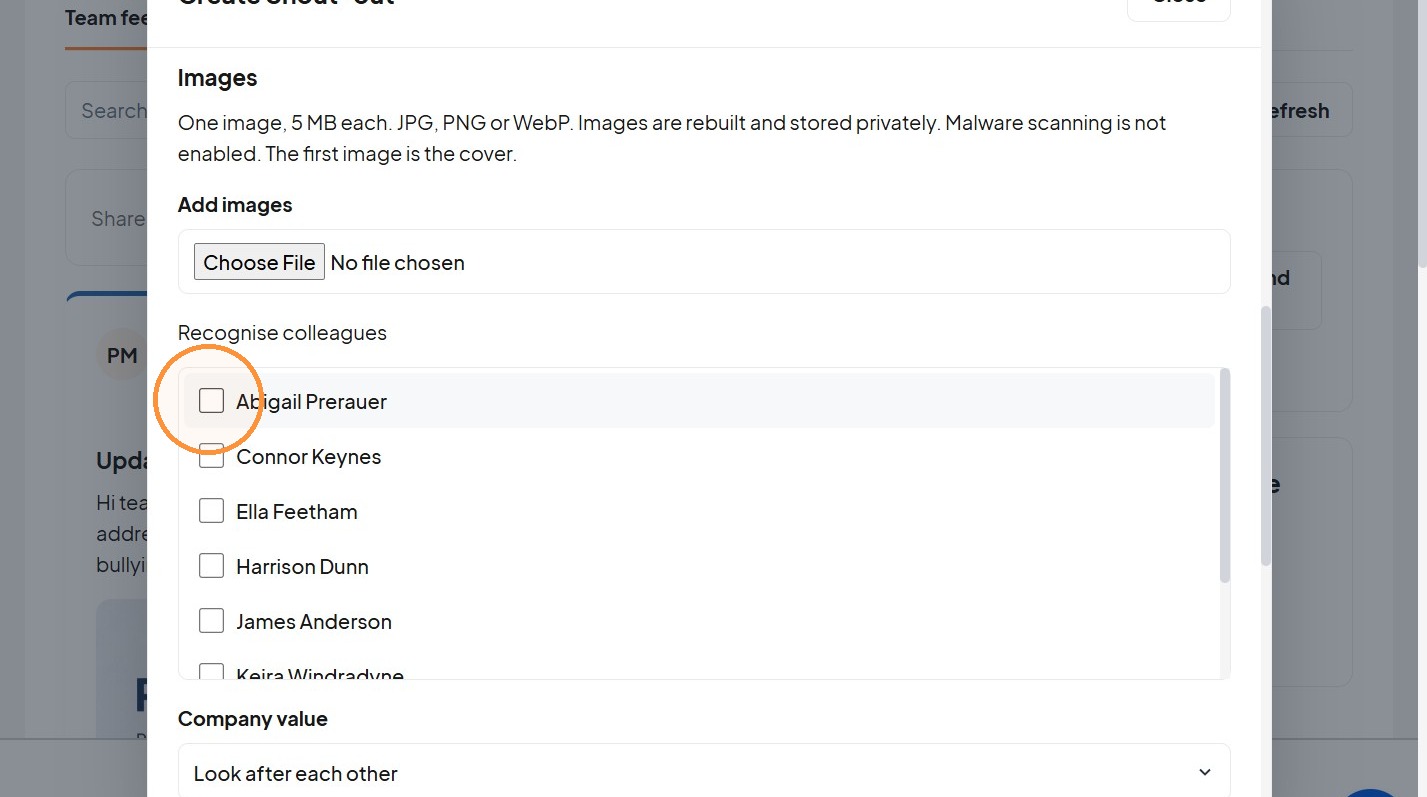
9. Tick at least one colleague under “Recognise colleagues”.
Publish Settings
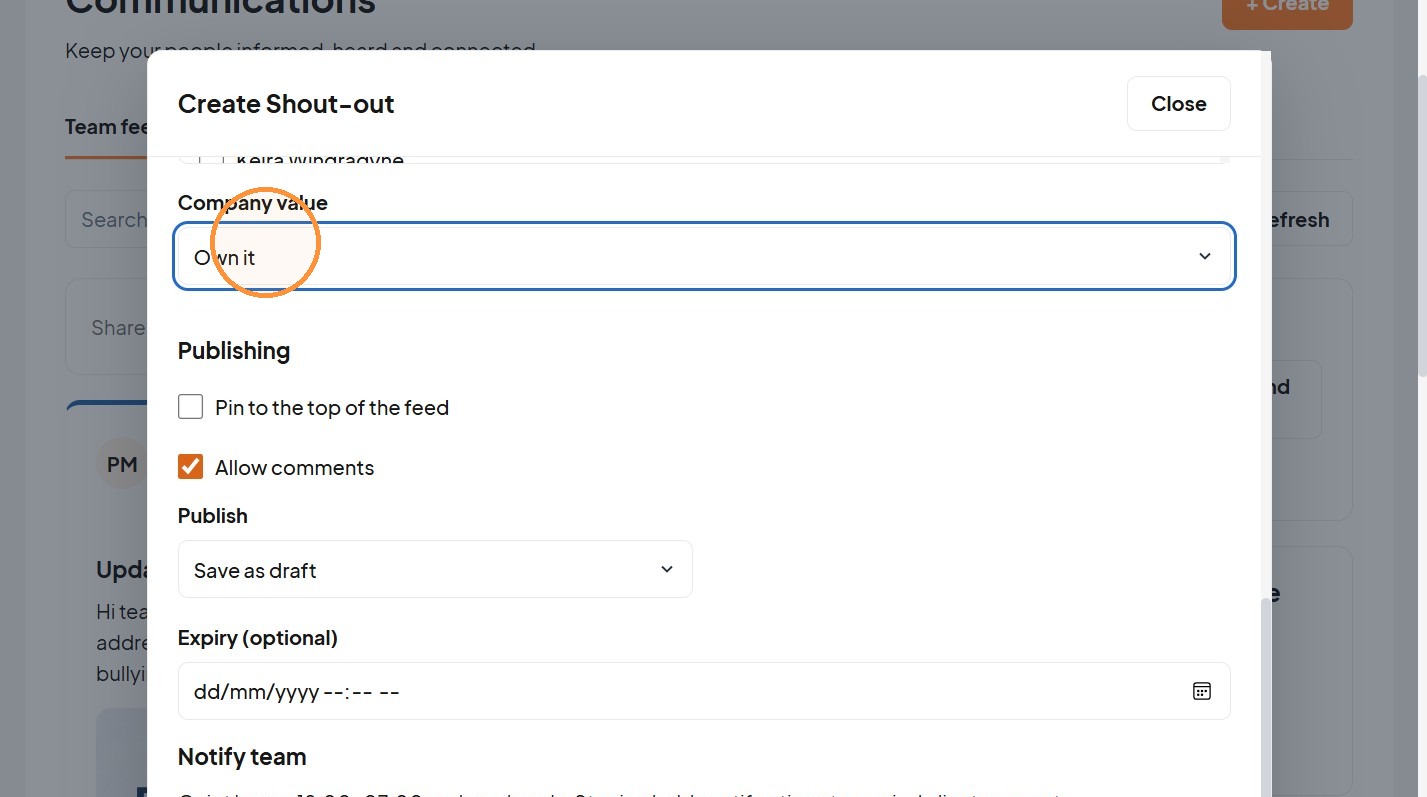
10. Choose a “Company value”.
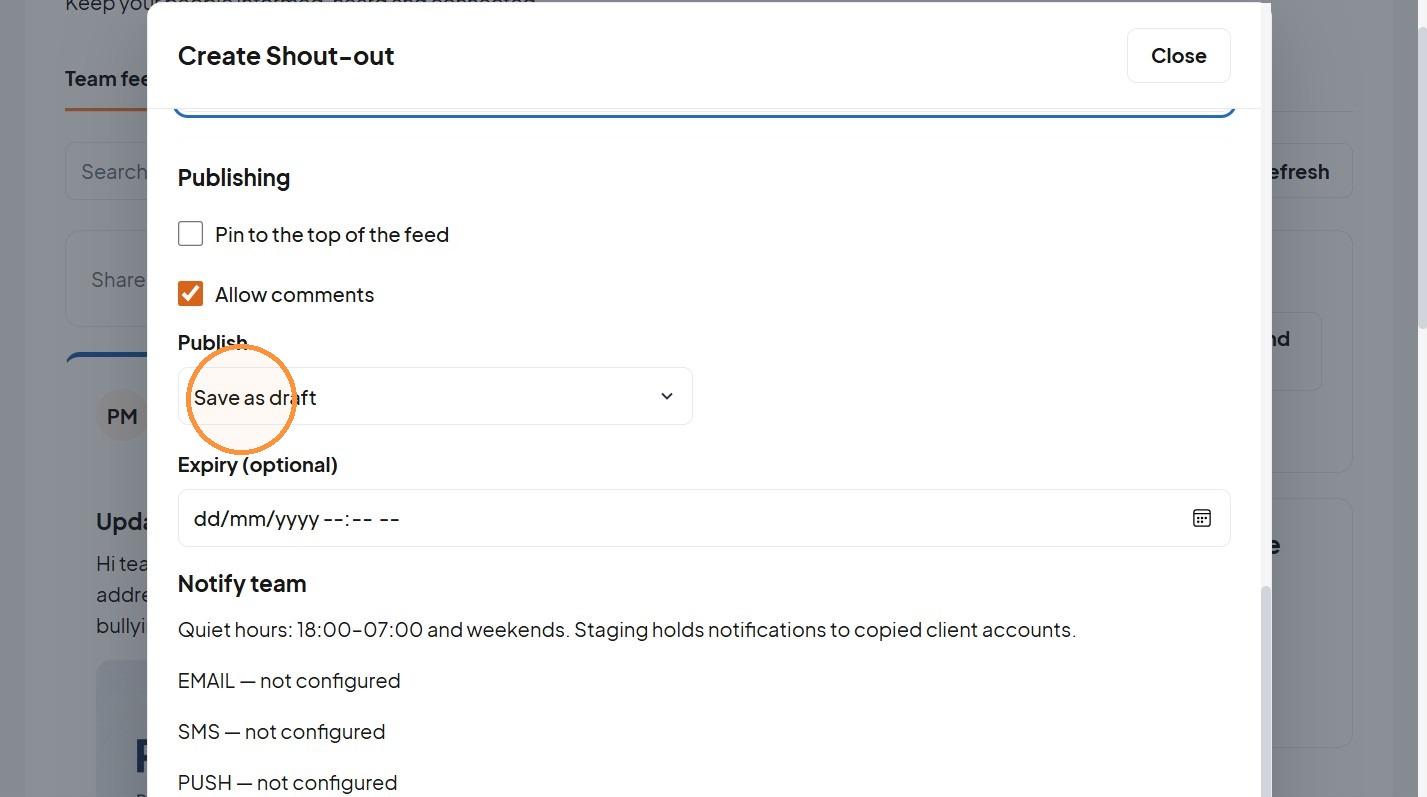
11. Save or submit for approval according to the business settings.
Was this article helpful?
That’s Great!
Thank you for your feedback
Sorry! We couldn't be helpful
Thank you for your feedback
Feedback sent
We appreciate your effort and will try to fix the article