Learn how to manage your personal notification settings within HR Command. This guide provides a quick walkthrough to ensure your important dates are correctly saved in your profile.
1. Navigate to https://secure.hrcommand.com.au/
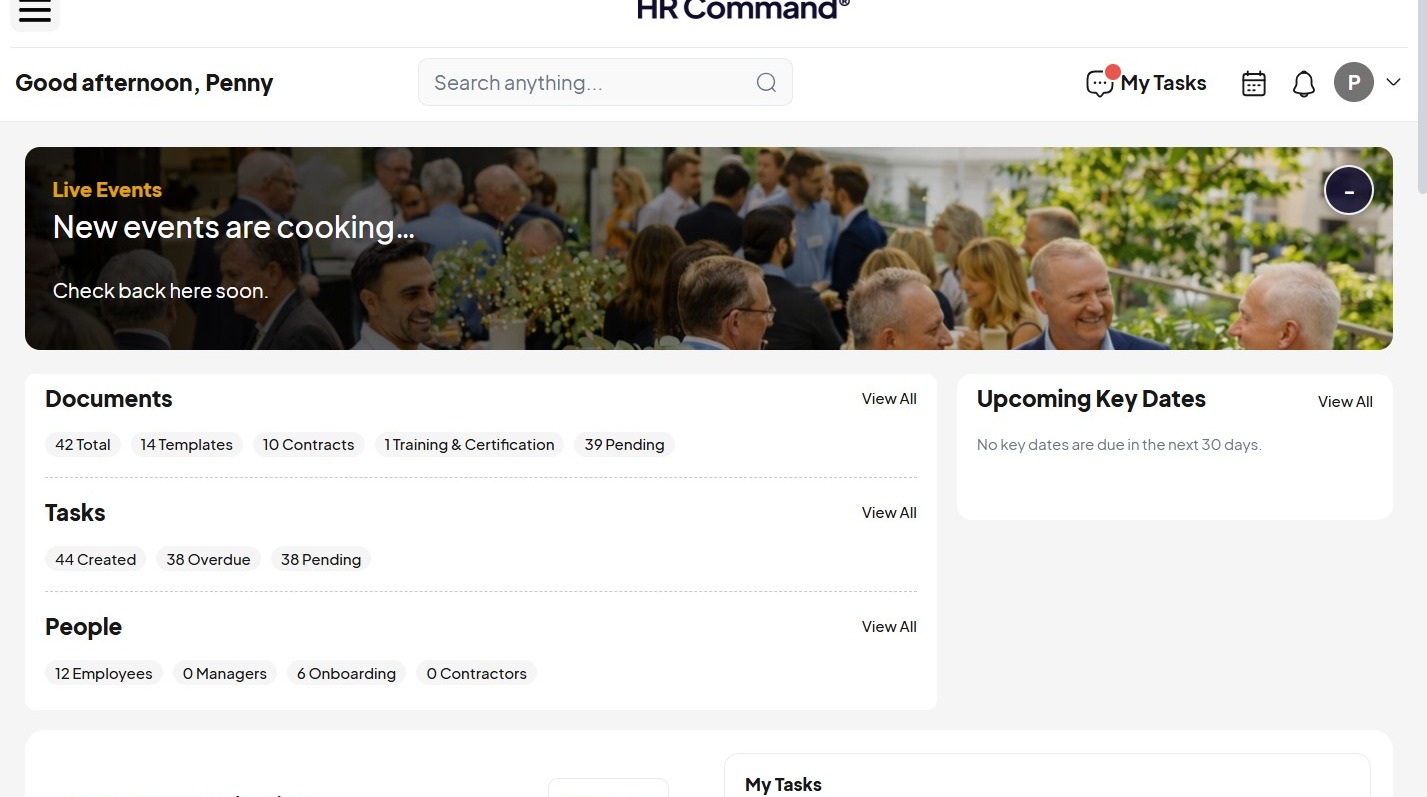
2. Click the menu icon.
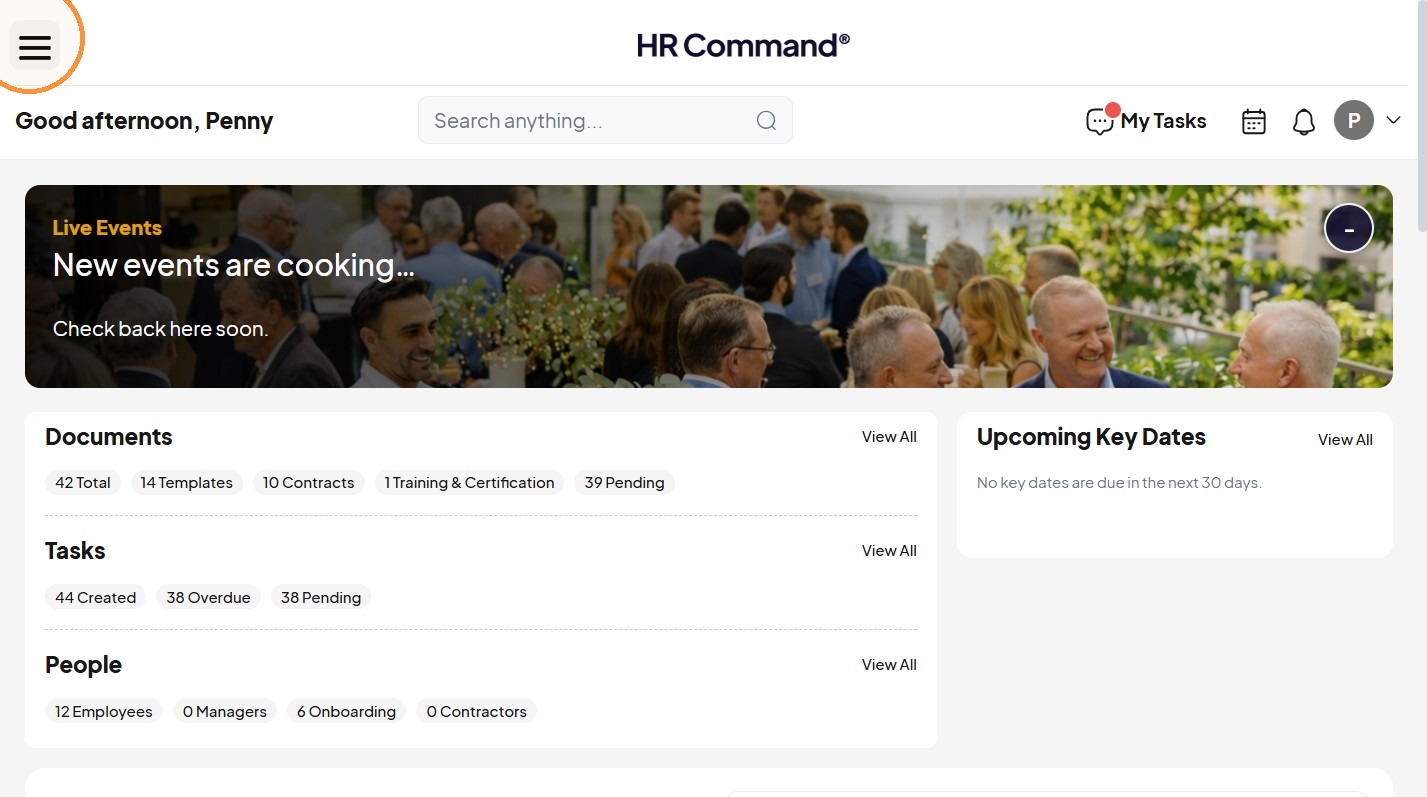
Communications Navigation
3. Click "Communications"
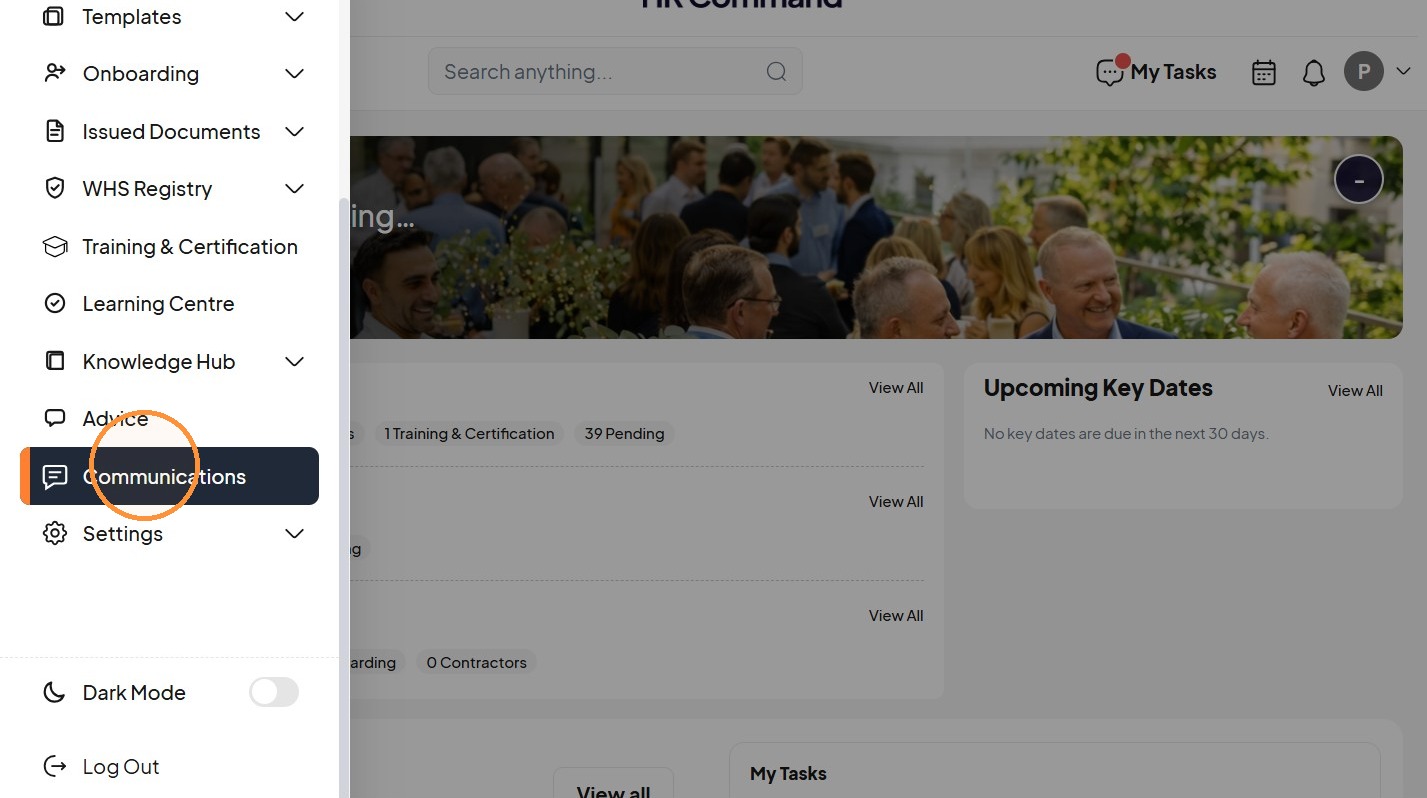
4. Click "Celebrations"
Celebration Preferences
5. Tick “Include my birthday”
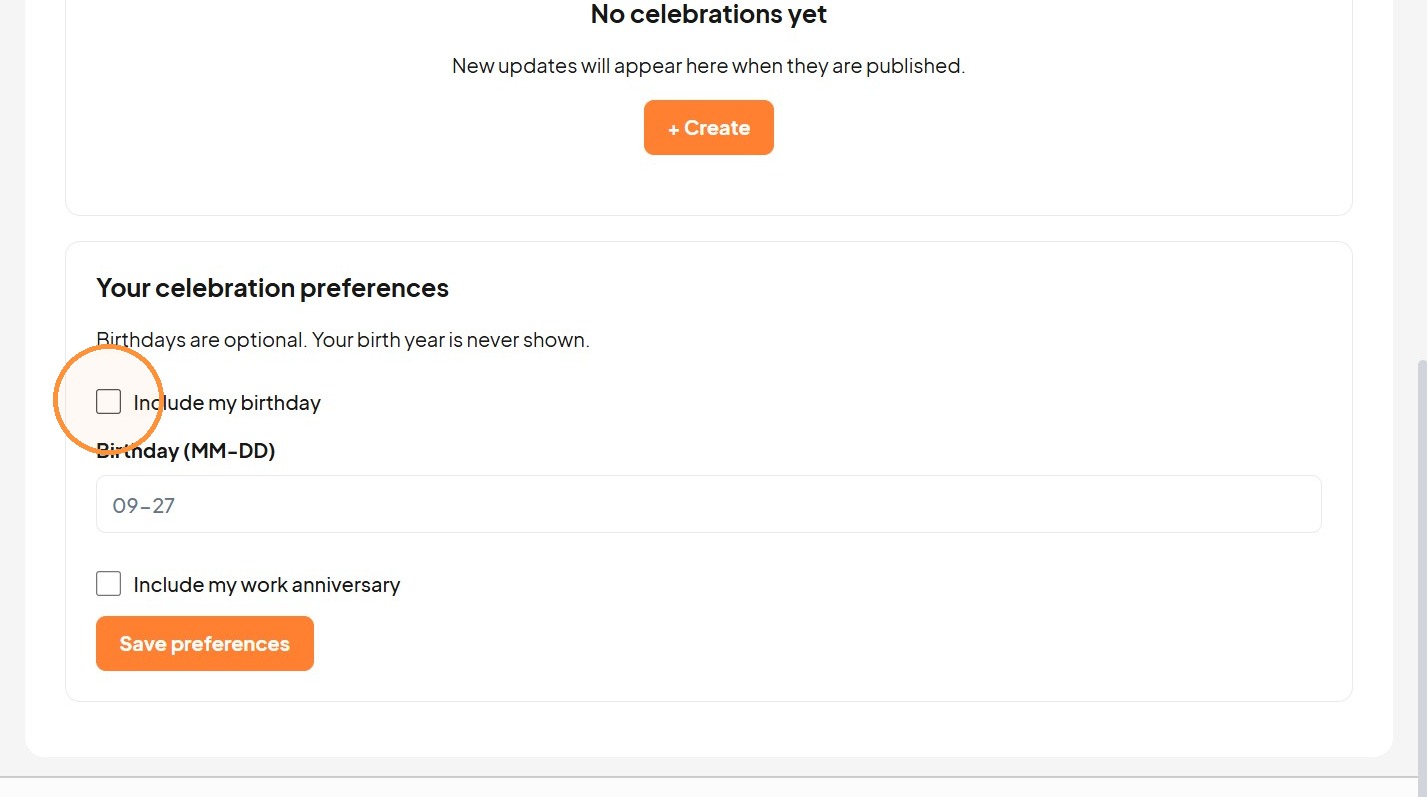
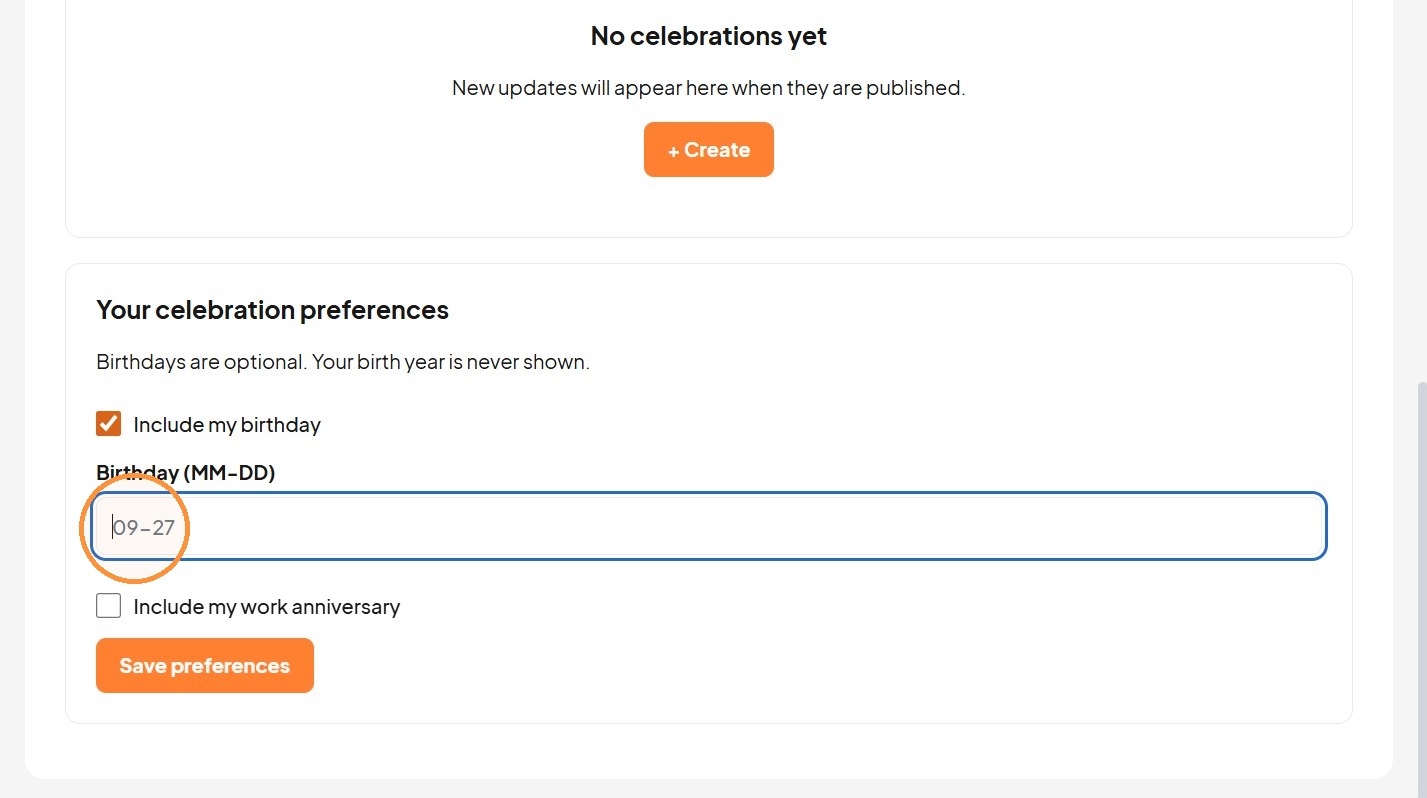
6. Enter MM-DD.
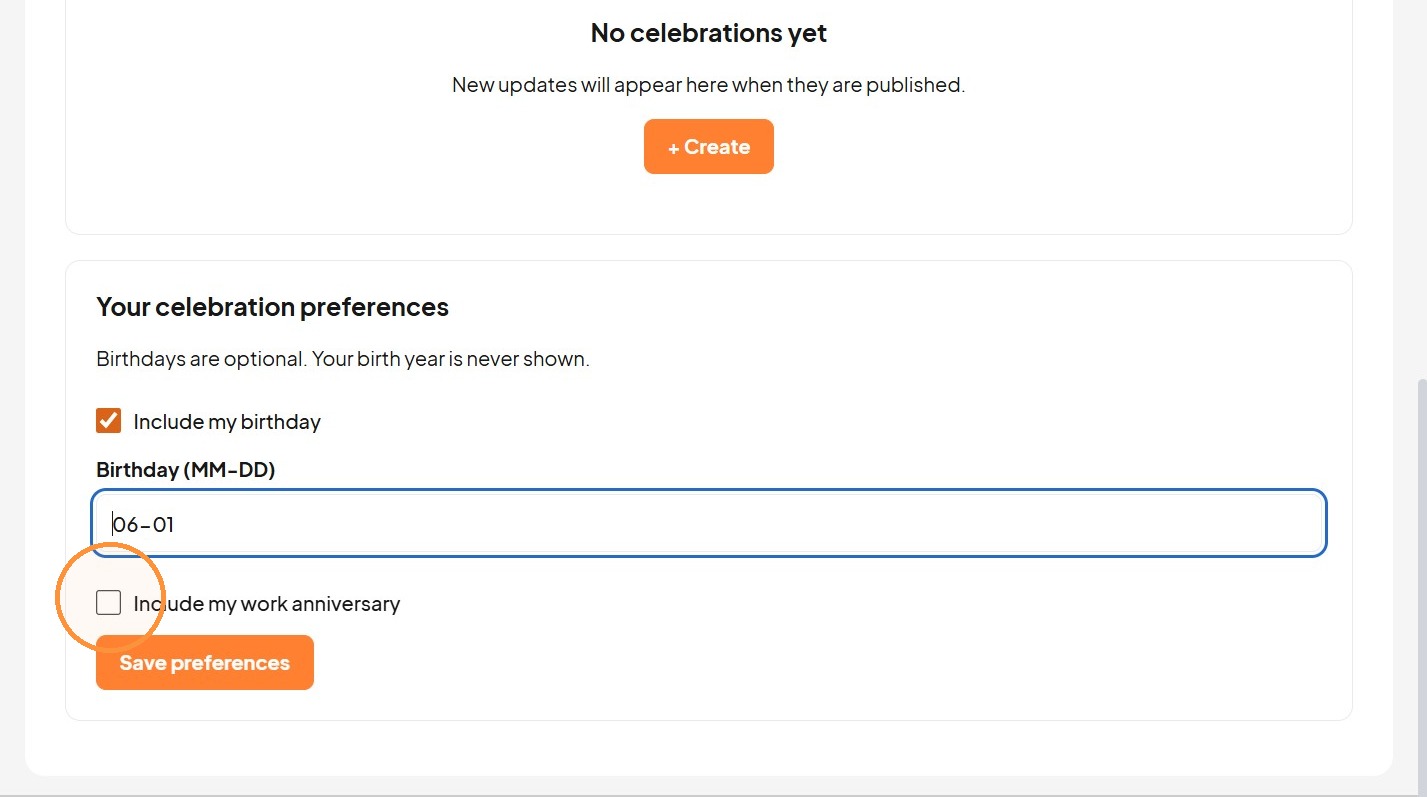
7. For work anniversaries, tick “Include my work anniversary”.
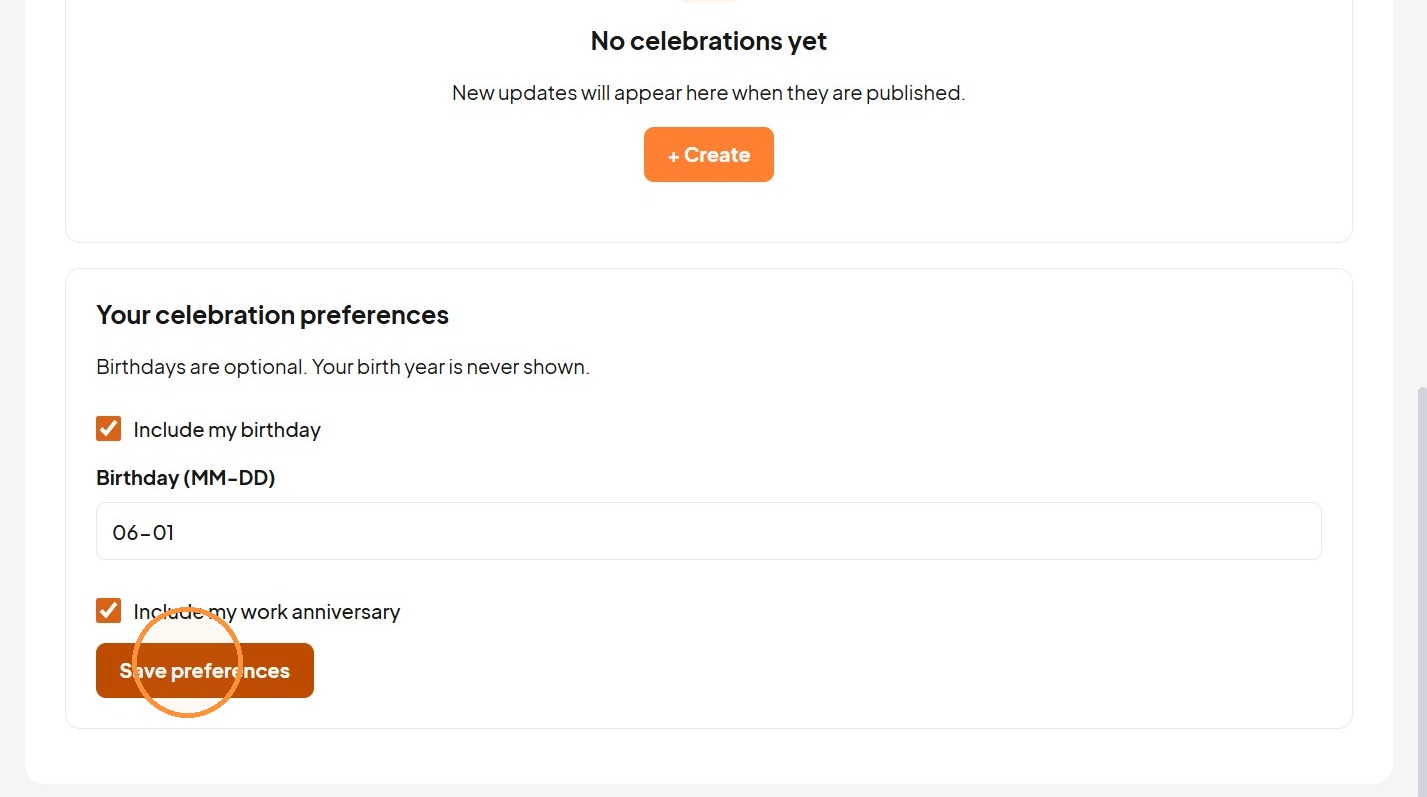
8. Click "Save preferences"
Was this article helpful?
That’s Great!
Thank you for your feedback
Sorry! We couldn't be helpful
Thank you for your feedback
Feedback sent
We appreciate your effort and will try to fix the article