Learn how to efficiently set up and launch custom polls to gather feedback from your team within HR Command.
1. Navigate to https://secure.hrcommand.com.au/
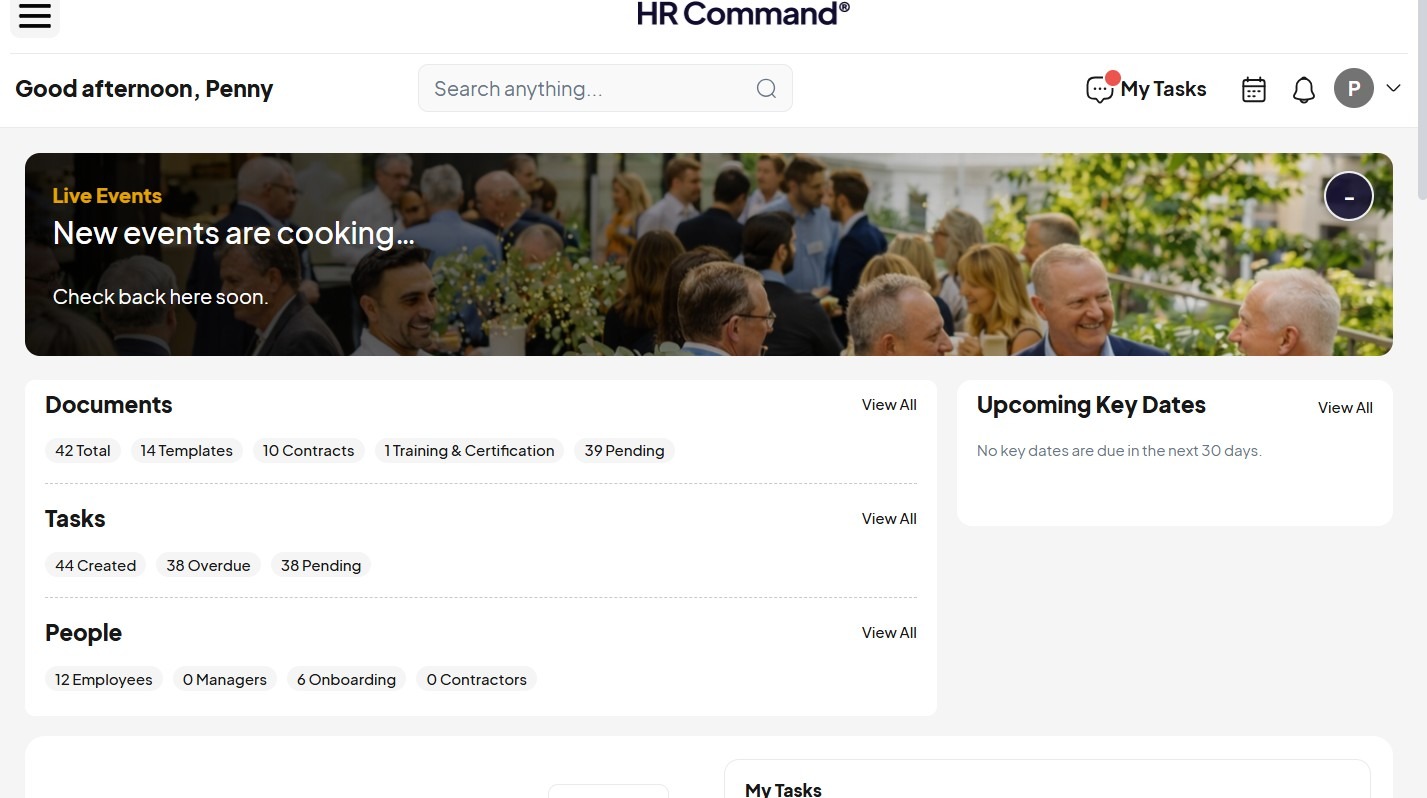
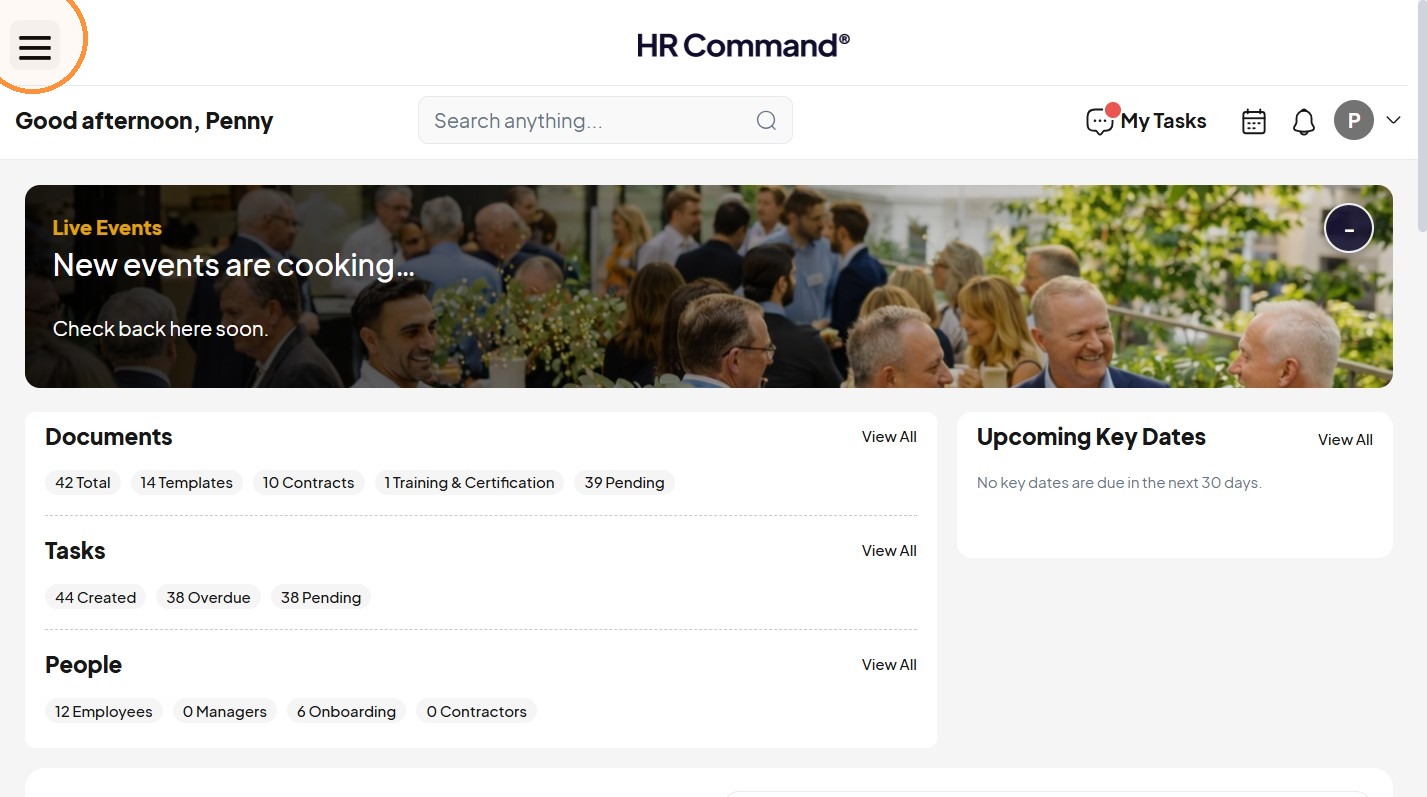
2. Open the navigation menu.
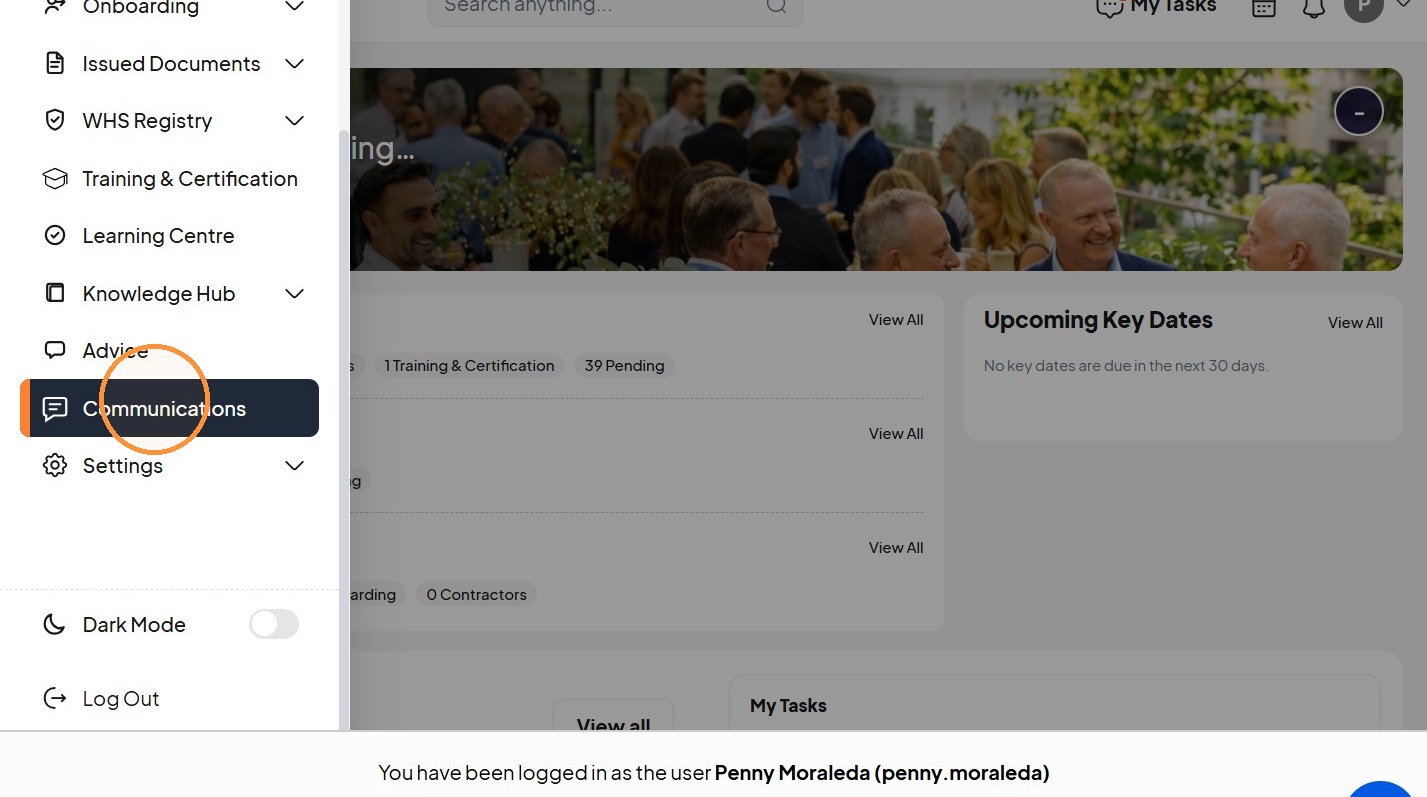
Communication Setup
3. Click "Communications"
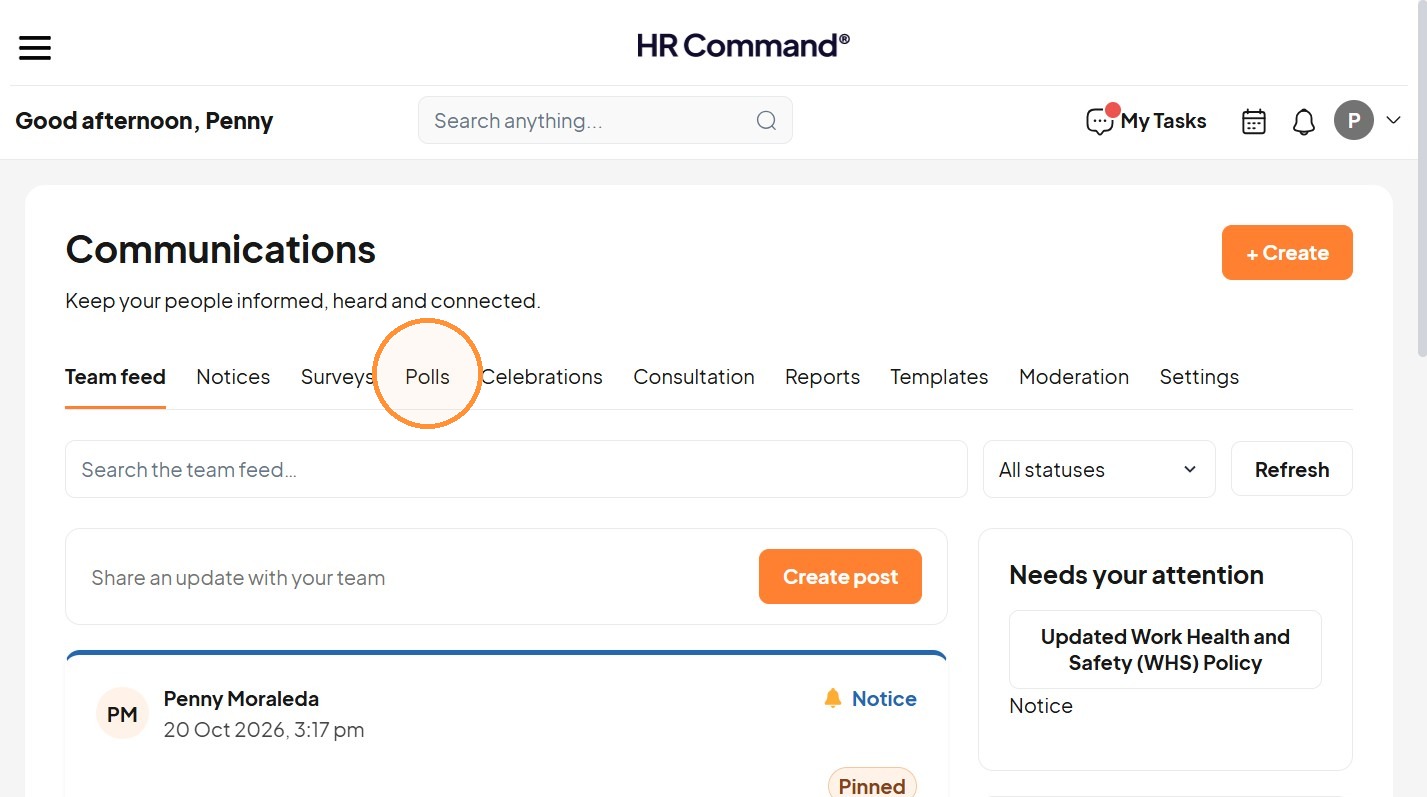
4. Click "Polls"
5. Click "+ Create"
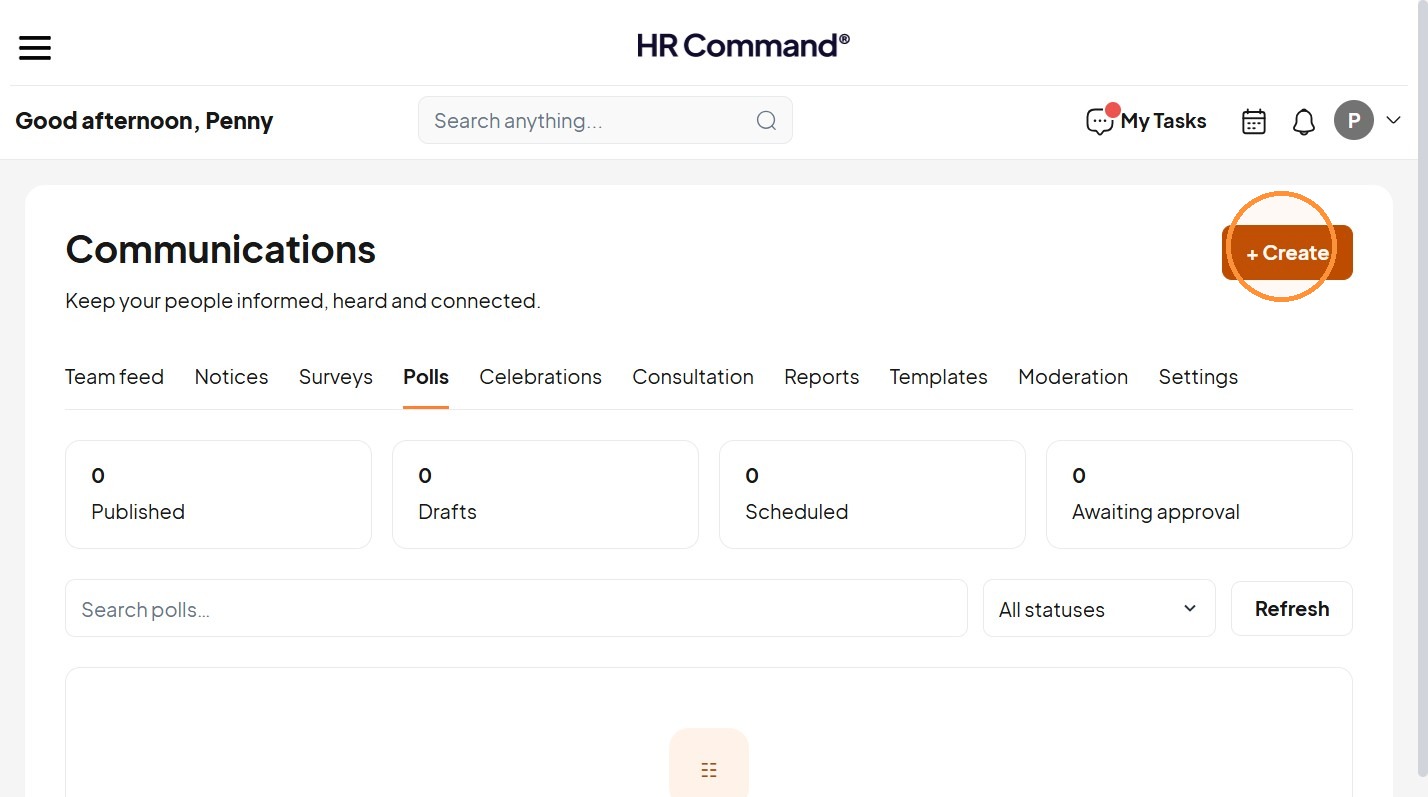
6. Choose “Poll”
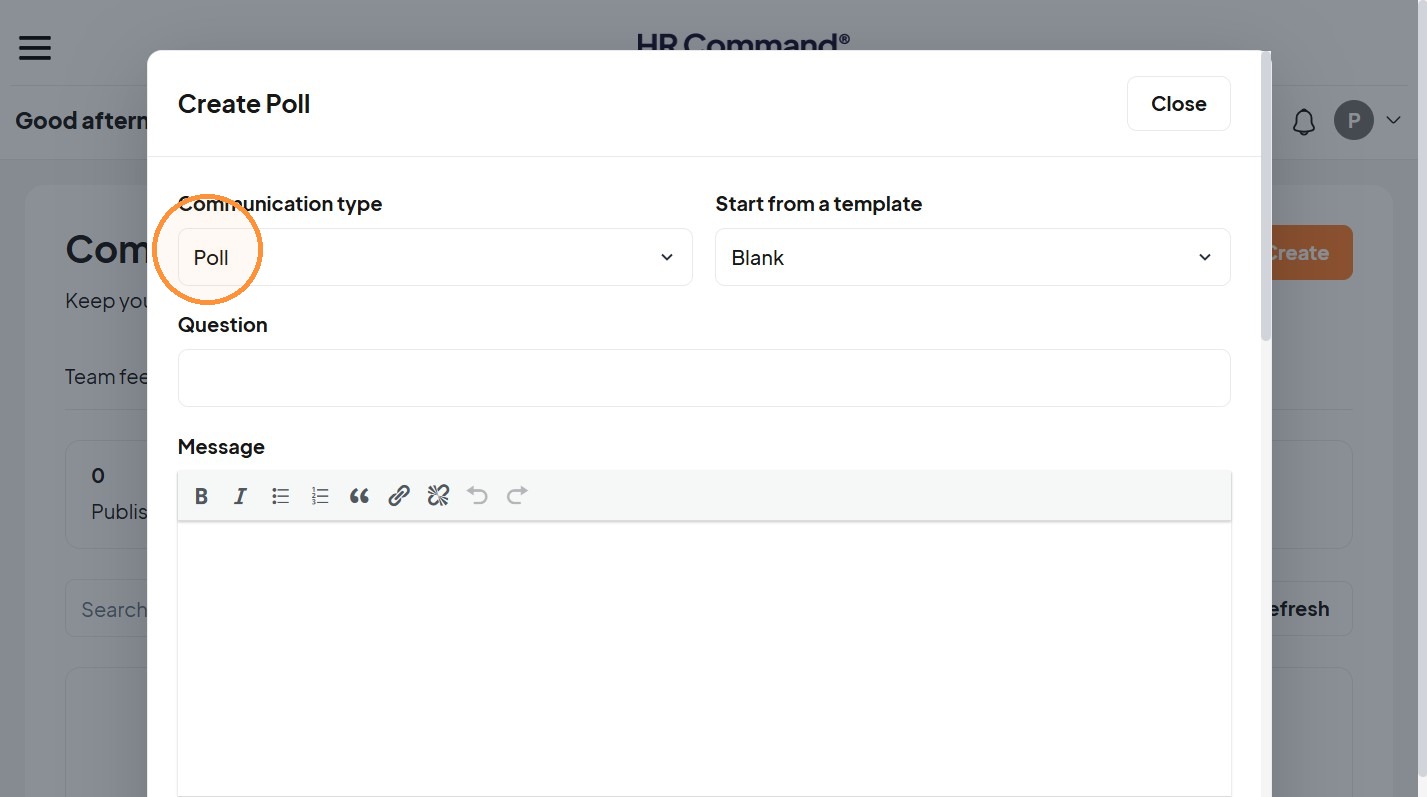
Poll Details
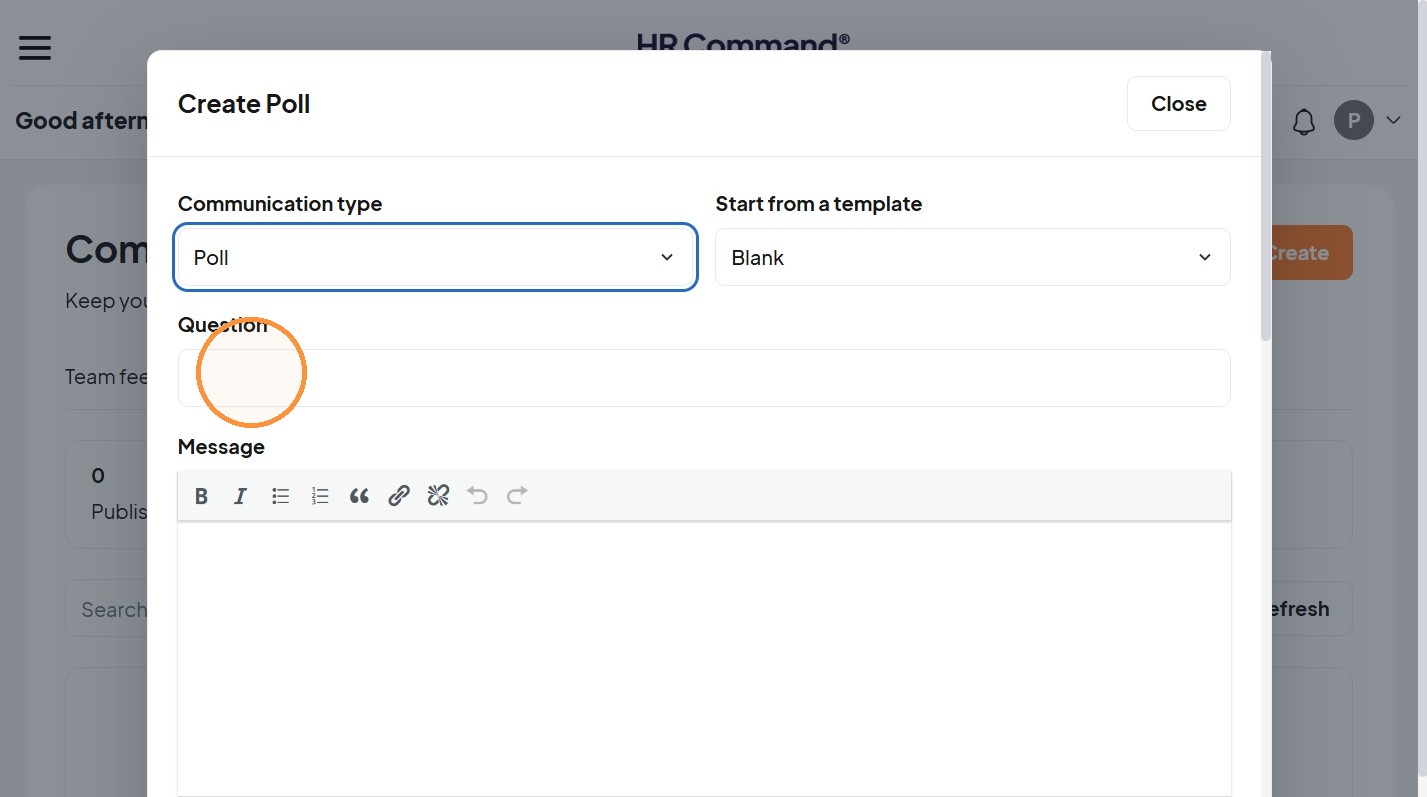
7. Write the question.
Audience and Options
8. Choose the audience.
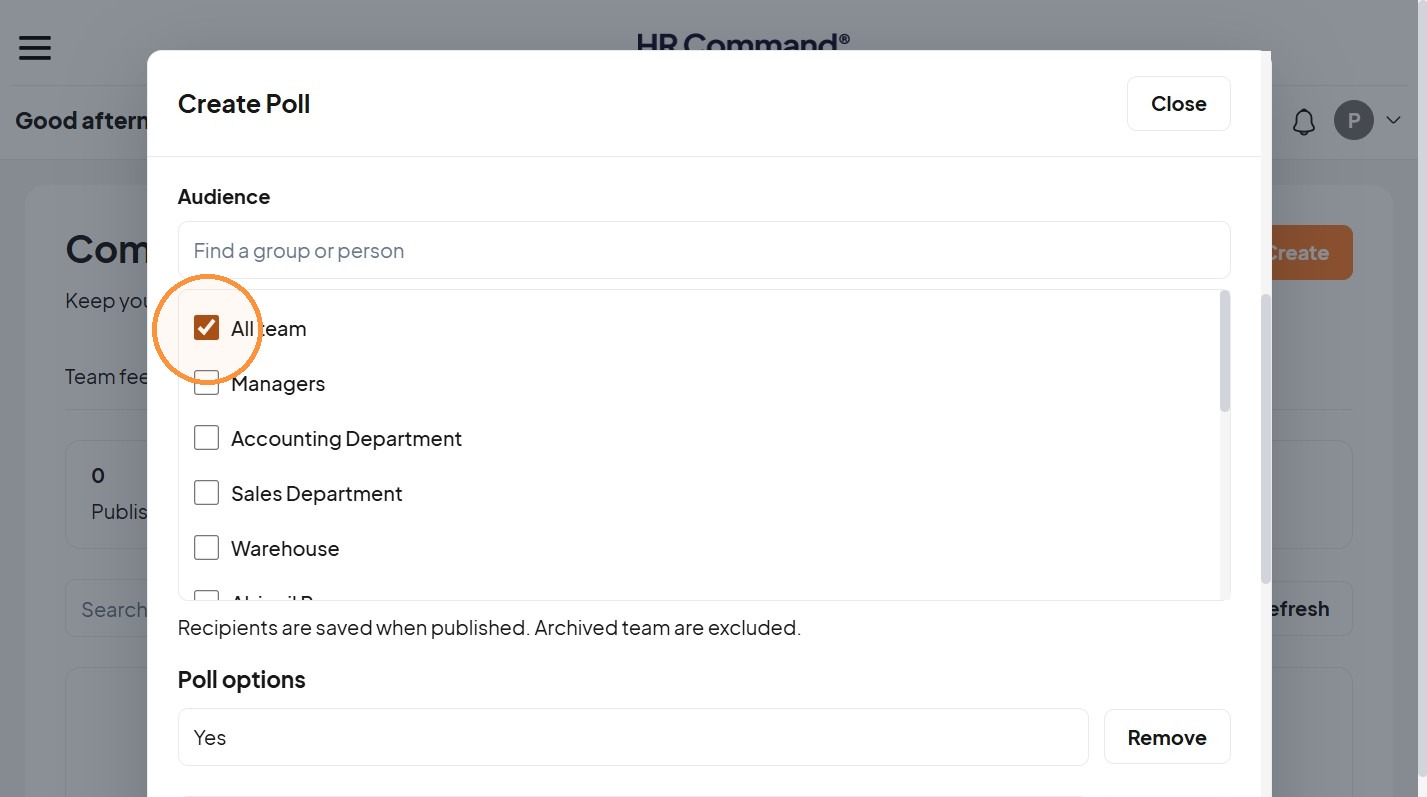
9. Add two to six distinct options.
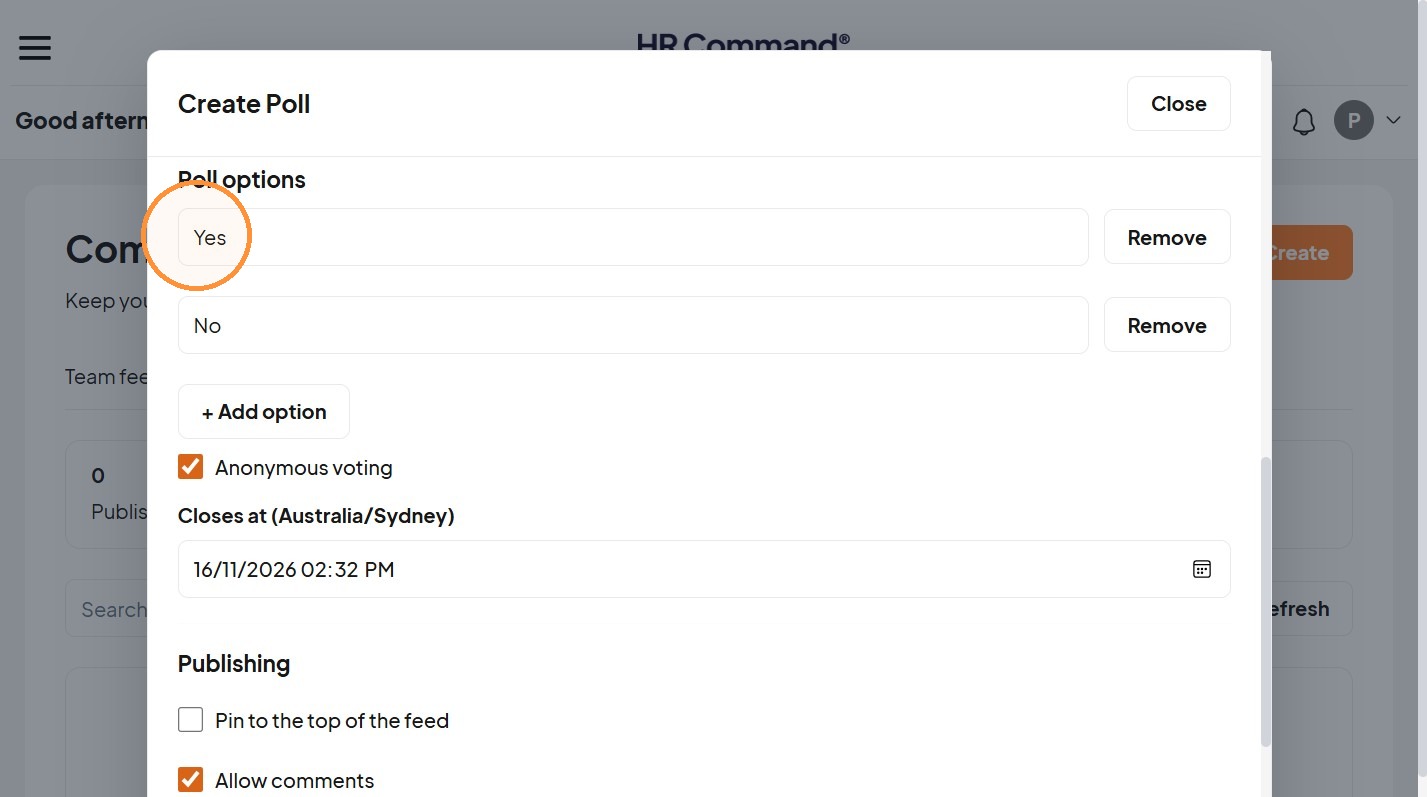
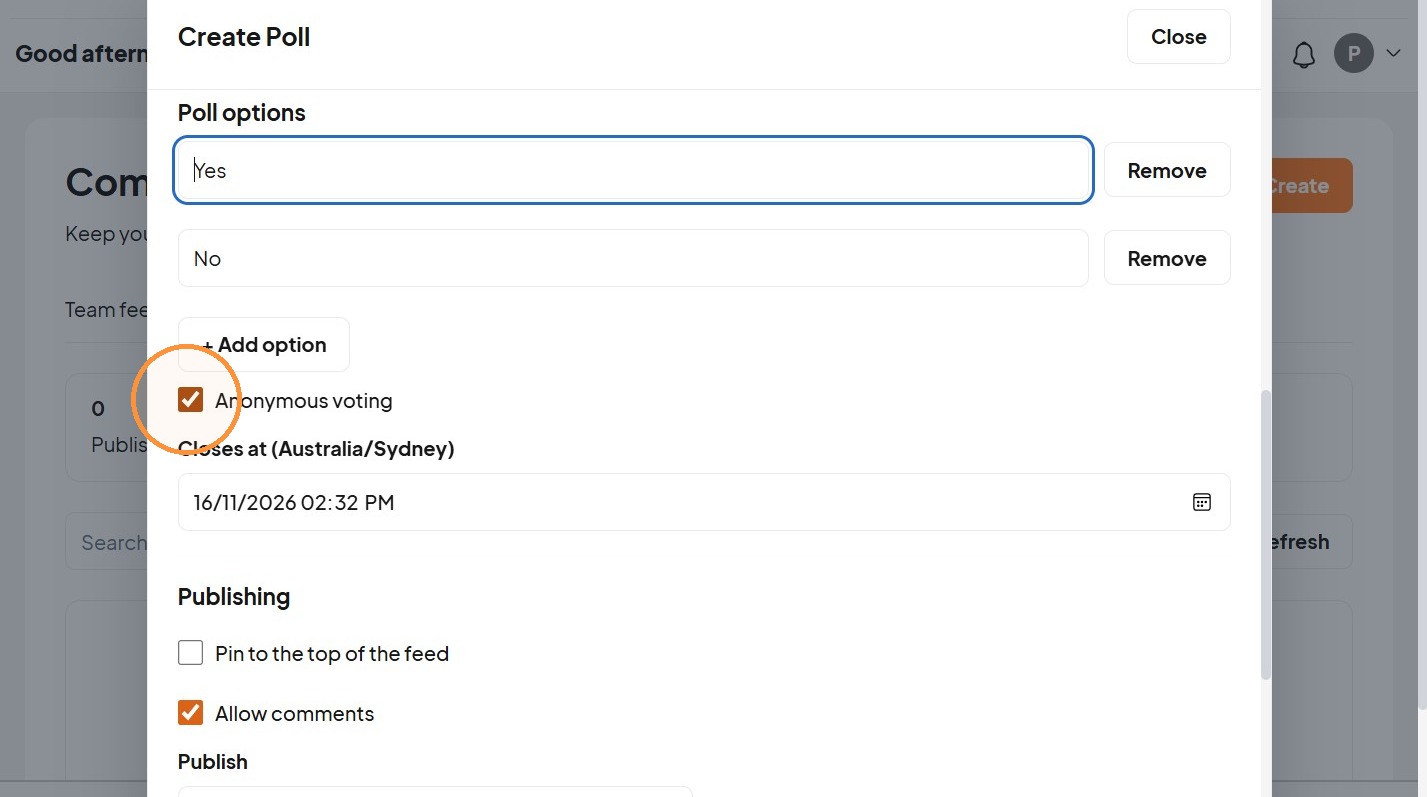
10. Choose “Anonymous voting” if appropriate.
Scheduling and Publishing
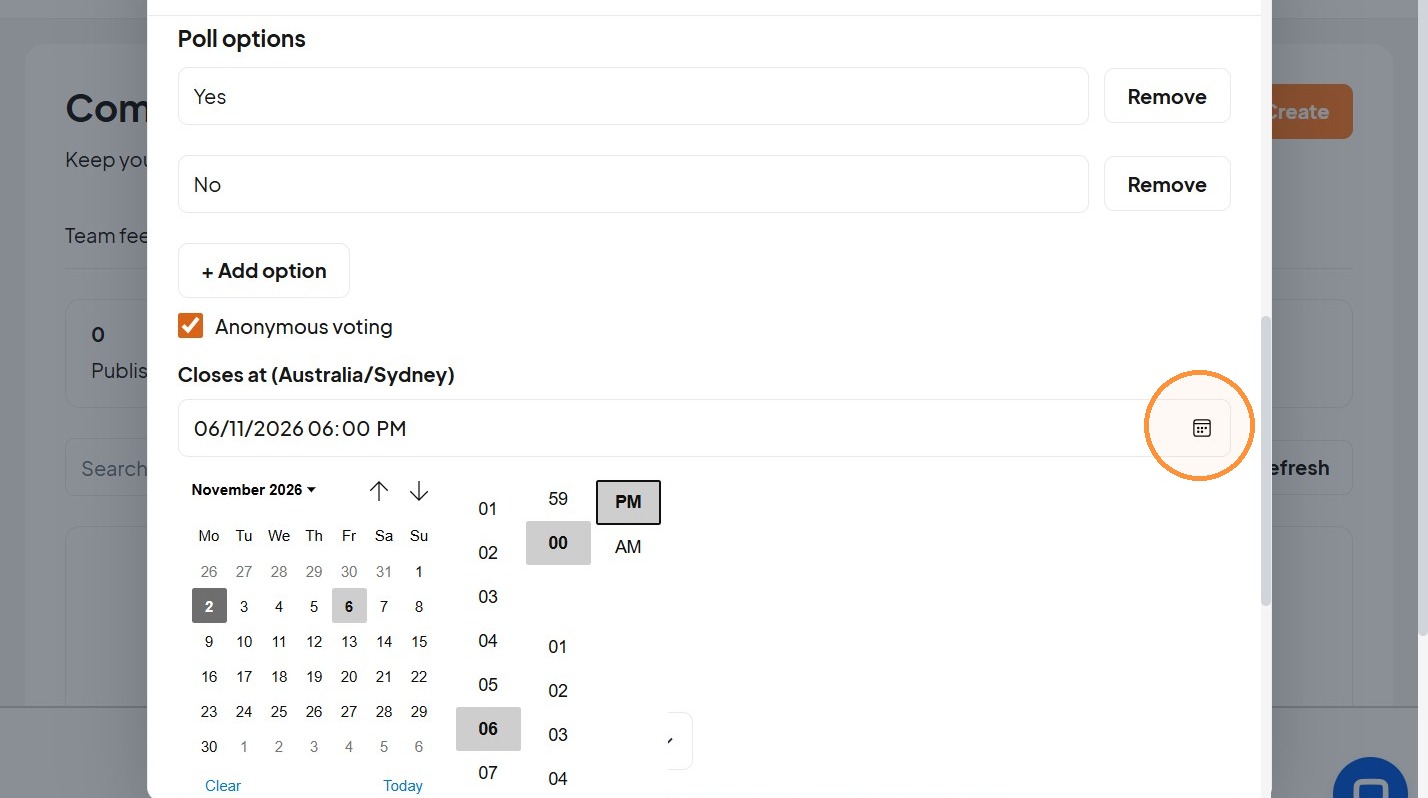
11. Set a closing time.
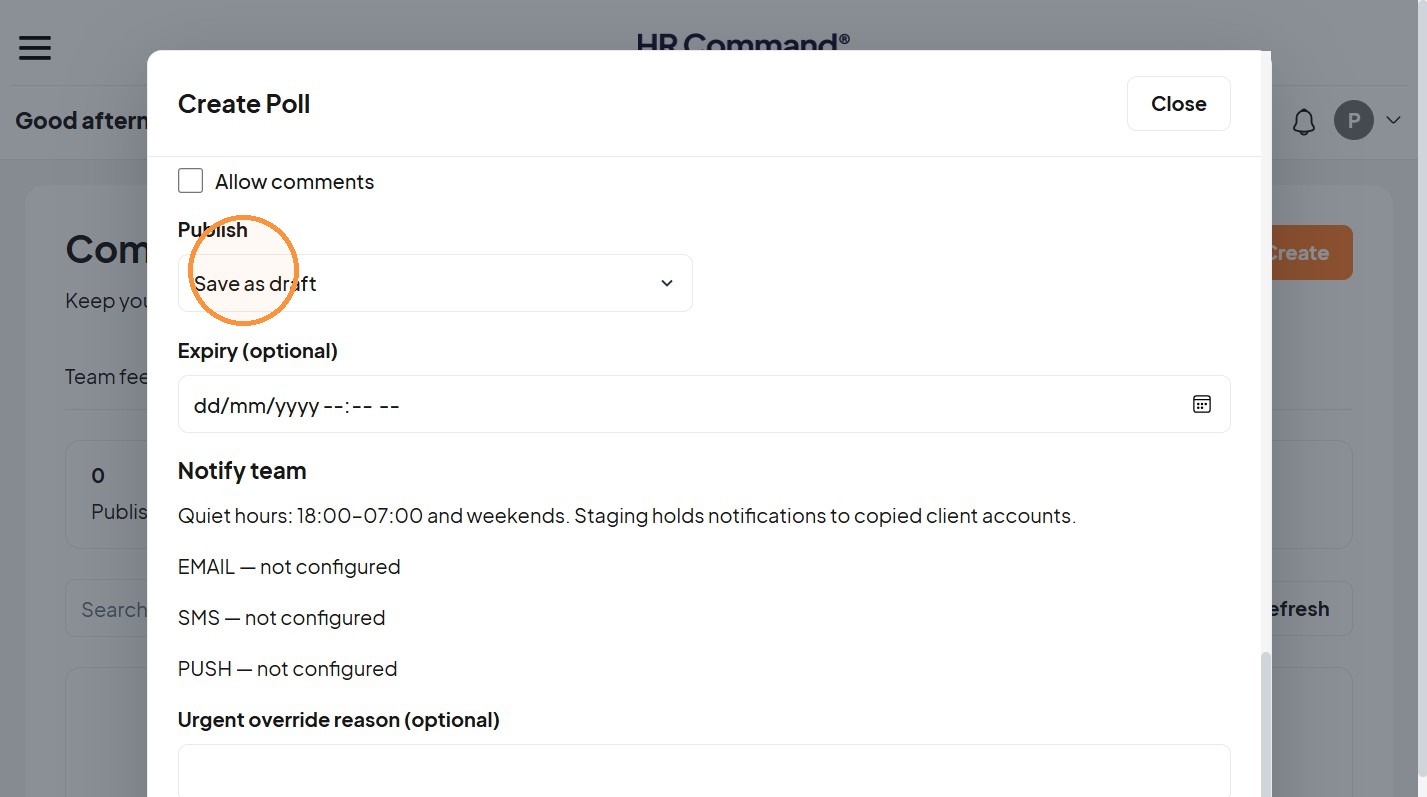
12. “Save as draft”, “Publish now” or “Schedule”
Was this article helpful?
That’s Great!
Thank you for your feedback
Sorry! We couldn't be helpful
Thank you for your feedback
Feedback sent
We appreciate your effort and will try to fix the article